



What Is a WhatsApp Form Builder?
A WhatsApp form builder is an online form tool that delivers every submission directly to your WhatsApp — as a chat message, from the respondent’s own WhatsApp number. Instead of responses piling up in an inbox or a spreadsheet, each one arrives in your chats, ready for an instant reply.
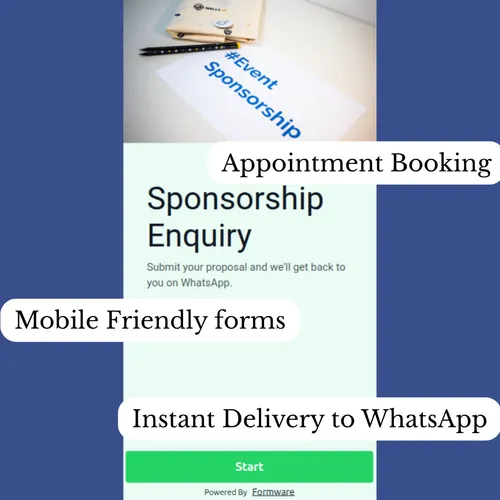
A WhatsApp form is any form built this way. Despite the name, the form doesn’t live inside WhatsApp — WhatsApp has no native form feature. Respondents open a normal, mobile-friendly web page (via link, QR code, or your website), fill it out, and their answers land in your WhatsApp as a structured message you can reply to like any other chat.
That one mechanic — structured data in, real conversation out — is why small businesses use WhatsApp forms for bookings, orders, lead capture, and customer inquiries. And it’s why a form builder beats both email forms (too slow) and bare chat buttons (no structure).
How to Create a WhatsApp Form (4 Steps)
- Build your form — add your questions with the drag-and-drop builder, or start from a template
- Add your WhatsApp number in the form settings — that’s the entire integration
- Share the form — link, QR code, website embed, or the WhatsApp widget
- Get responses in your chats — and reply in the same thread
Total time: under five minutes. Here’s each step in a little more detail:
Step 1 — Build your form. Use the no-code builder to add questions: name, phone number, dropdowns, dates, picture choices, file uploads, ratings — all the question types are drag-and-drop. In a rush? The template gallery has ready-made forms for every common use case.
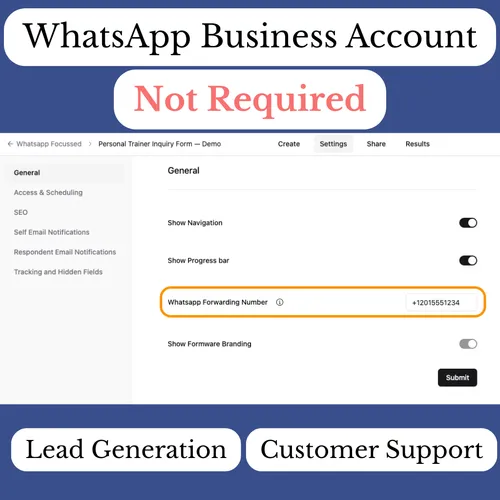
Step 2 — Add your WhatsApp number. Open the form settings and paste your number. No WhatsApp Business API, no verification, no automation recipes. Full walkthrough in the WhatsApp forwarding guide.
Step 3 — Share the form. Copy the link and put it wherever your customers already are: WhatsApp chats and statuses, your bio, ads, QR codes on packaging — or embed the form on your website.
Step 4 — Reply in the chat. Submissions arrive instantly in your WhatsApp from the customer’s own number. Confirm, clarify, and continue the conversation right there.
Want a form for a WhatsApp group? WhatsApp doesn’t offer native group forms — but you can paste your form link into any group or status, and every member’s submission arrives structured in your chats. It’s the standard way to collect sign-ups, orders, or RSVPs from a group.
What Happens When Someone Submits
This is the part that makes a WhatsApp form builder worth having. The moment a respondent hits submit:
+1 555 0134 New response: Cake Order Form Name: Amara · Order: Chocolate, 8” · Message on cake: “Happy 30th Bisola!” · Delivery: Sat 14th, 12–2 PM · 5 Marina Rd
You Got it Amara! 🎂 Saturday 12–2 works — we’ll message you when it’s out for delivery.
Notice what just happened: you didn’t export anything, copy a phone number, or switch apps. The submission arrived from the customer’s own number, so your reply continues a conversation that already exists. Their order history, your quotes, their follow-ups — all in one thread, forever.
Most alternatives can’t do this. Tools built on the WhatsApp Business API send you template messages from your own business number — a formal channel with per-conversation fees, where replying means approved templates, not a natural chat. Generic form builders don’t touch WhatsApp at all without middleware.
Full mechanics — notification format, setup details, how forwarding behaves — are in our guide to sending form responses to WhatsApp.
WhatsApp Form Builder vs the Alternatives
| Formware | Generic builder + Zapier + API | WhatsApp Business API (custom build) | |
|---|---|---|---|
| WhatsApp Business API needed | No | Yes | Yes |
| Submissions arrive from the customer’s number | Yes — reply in the thread | No — template messages from your business number | No — template messages |
| Setup time | Minutes | Hours to days, plus Meta verification | Weeks (verification, templates, code) |
| Ongoing cost | Free plan available | Automation plan + per-conversation API fees | Platform fees + per-conversation fees |
| Structured form data | Yes | Yes | You build and maintain it |
| Breaks silently when an integration fails | No — no middleware | It happens | It happens |
Three quick disambiguations:
- Coming from Google Forms? Google Forms can’t send responses to WhatsApp natively — see Google Forms to WhatsApp for the workarounds and the fastest path.
- Comparing dedicated tools? Read our Formware vs WhatsForm comparison.
- When would you actually need the API? For broadcast campaigns, chatbots, and drip automation at scale. For receiving form responses and replying, it’s expensive machinery for a simple job.
What Can You Build With a WhatsApp Form Builder?
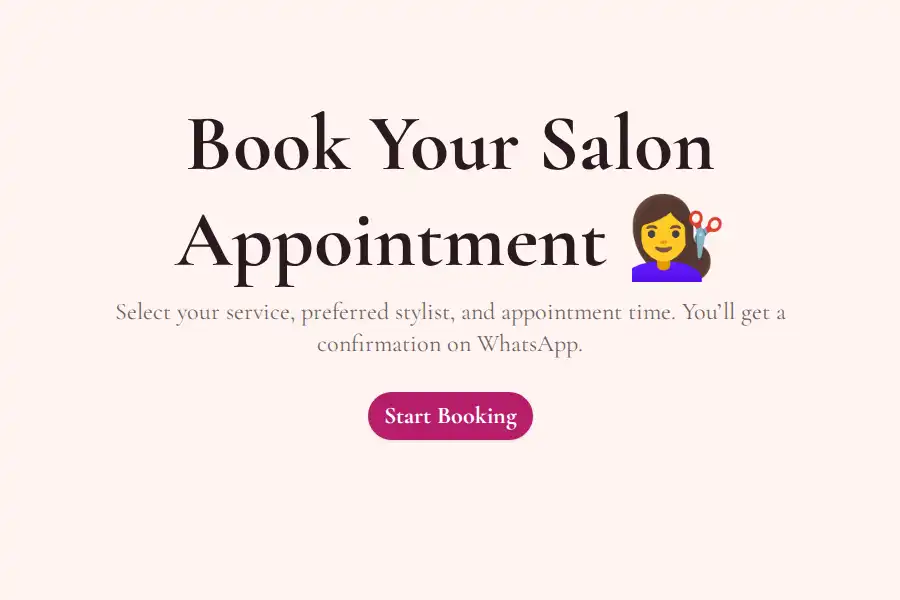
Booking and appointment forms. Customers request a service, date, and time slot; you confirm with one reply. The full setup — including the time-slot dropdown trick that prevents double bookings — is in the WhatsApp booking forms guide.
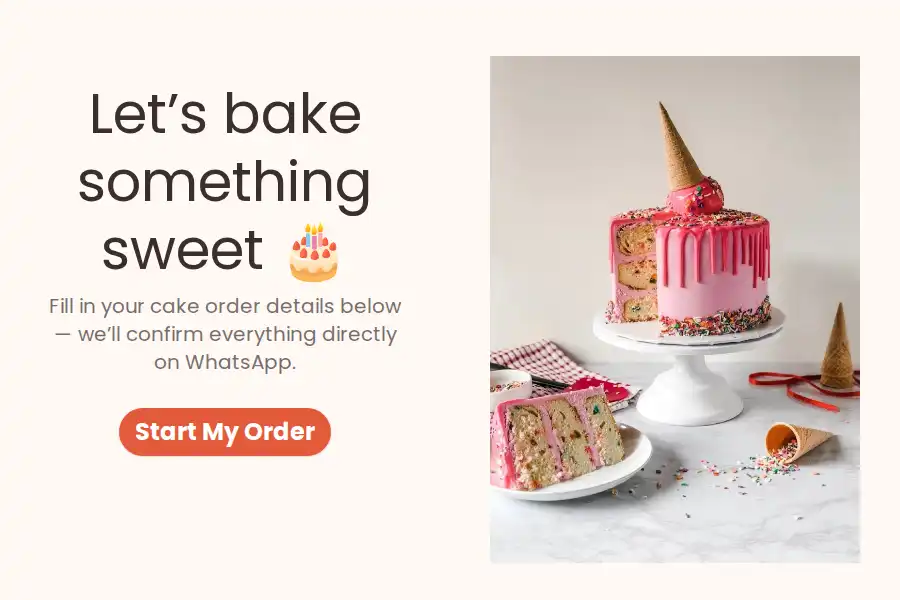
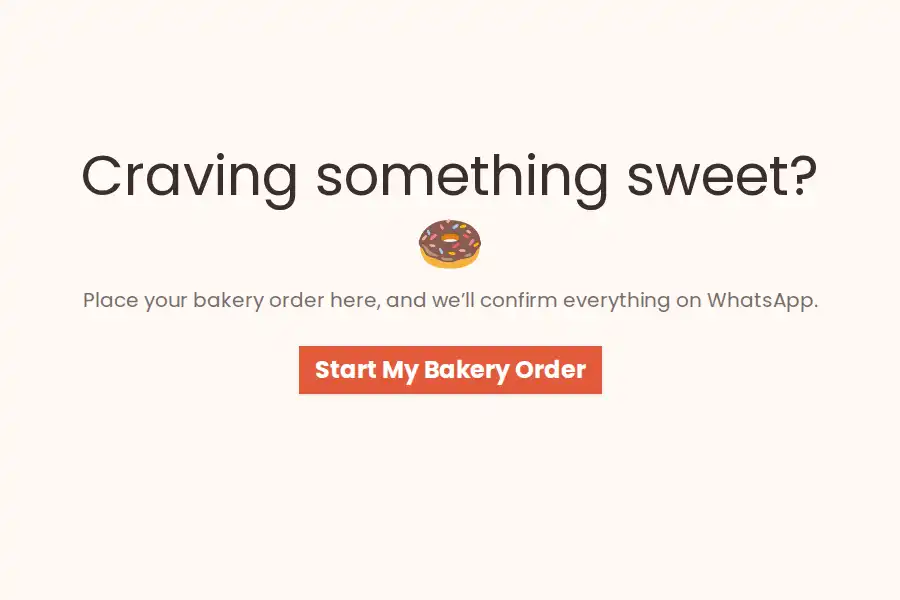
Order forms. Structured product, quantity, customization, and delivery details instead of chaotic DMs — for cakes, catering, boutiques, anything made-to-order. See the WhatsApp order forms guide.
Lead capture forms. This is where a form builder quietly outperforms every “just message us” setup: hidden fields tag each lead with the ad or page that produced it, conditional logic scores and segments leads as they answer (budget, timeline, fit), and partial submissions save prospects who started but didn’t finish. If customers WhatsApp you today and you need a way to qualify them before calls, this is the workflow — full details in the WhatsApp lead capture form guide and the broader lead generation playbook.
Contact and inquiry forms. A structured “contact us” — inquiry type, message, optional screenshot — delivered to your chats. See WhatsApp contact forms. The same structure works for feedback: rename the options to Feedback / Suggestion / Complaint and every comment lands in your chats while it’s fresh.
WhatsApp Form Templates
Prefer starting from a proven structure? Browse the full gallery of WhatsApp form templates — or jump straight to booking form templates and order form templates. Every template is a normal Formware form: customize any field, add your WhatsApp number, and it’s live.
Free vs Pro: What Does the WhatsApp Form Builder Cost?
The free plan is genuinely usable — not a trial:
- Unlimited forms, questions, and responses (fair use applies)
- WhatsApp forwarding included
- All question types, conditional logic, hidden fields, recall information
- Webhooks, file uploads (10 MB), full visual customization
The trade-off: forms carry Formware branding, and you get a Formware-hosted share link.
Pro (from $29.99/month, or $299/year) adds the business layer: remove Formware branding, your logo and custom domain, custom favicon and social previews, partial submission recovery, unlimited file sizes, respondent email confirmations, custom redirects after submission, and team collaboration with unlimited members and roles.
So, is this WhatsApp form builder free? Yes — build unlimited forms, collect unlimited responses, and receive everything on WhatsApp without paying anything.
Do You Need WhatsApp Business (or the Business API)?
People mix up three different things, so let’s separate them:
- Regular WhatsApp — the app you already use. Works perfectly. ✅
- WhatsApp Business app — Meta’s free small-business app (catalogs, quick replies, labels). Also works fine alongside Formware — use it if you like its extras. ✅
- WhatsApp Business Platform / API — Meta’s paid infrastructure for large-scale messaging: broadcasts, chatbots, automated sequences. Requires business verification, approved message templates, and per-conversation pricing. ❌ Never needed to receive form responses.
If your goal is “responses arrive in my WhatsApp and I reply fast,” the API solves a problem you don’t have. Formware was built to make that entire layer unnecessary.
Sharing Your WhatsApp Form Everywhere
One form, every channel:
- Direct link — WhatsApp chats, statuses, broadcast lists, bio links, ads; see the sharing guide and how to share inside WhatsApp
- QR codes — menus, packaging, receipts, storefronts; a scan opens the form on their phone
- Website embed — the form lives on your page; see embedding your form
- WhatsApp widget — a chat-style button on your site that opens your form; see the WhatsApp widget
- WordPress — no plugin needed, one embed code; details in WhatsApp forms for WordPress
All channels feed the same pipeline: submission → instant WhatsApp notification → reply in the thread.
Only need a plain chat link — no form, no questions? Generate one in seconds with the free WhatsApp link generator.
Frequently Asked Questions
What is a WhatsApp form builder?
A tool for creating online forms whose submissions are delivered directly to your WhatsApp as chat messages — from the respondent’s own number, so you can reply instantly. Formware is a WhatsApp form builder that’s free to start and requires no WhatsApp Business API.
Can I get responses in a spreadsheet or CRM too?
Yes. Responses are always stored in your Formware dashboard (browsable and exportable), and webhooks can forward every submission to Google Sheets, a CRM, or your own systems — WhatsApp speed and structured backup at the same time.
Is Formware a WhatsForm alternative?
Formware and WhatsForm are both WhatsApp form builders, so comparisons are natural — we put together an honest Formware vs WhatsForm breakdown covering features, pricing, and the reply experience.
Can I get my Google Forms responses on WhatsApp?
Not natively — Google Forms sends responses to Sheets and email. The realistic options (Zapier + Business API, Apps Script, or switching to a builder with built-in forwarding) are compared in our Google Forms to WhatsApp guide.
How do I create a WhatsApp form?
Four steps: build your form with the drag-and-drop builder, paste your WhatsApp number into the form settings, share the form link (or QR code or website embed), and start receiving responses in your chats. The whole process takes under five minutes — the full walkthrough is in the steps above.
Is this WhatsApp form builder really free?
Yes. The free plan includes unlimited forms, unlimited questions, unlimited responses, and WhatsApp forwarding — no trial timer, no response caps. Pro (from $29.99/month) adds branding removal, custom domains, partial submission recovery, and team features.
Do I need WhatsApp Business or the WhatsApp Business API?
Neither. Formware works with your regular WhatsApp number, and also works alongside the free WhatsApp Business app. The WhatsApp Business API — Meta’s paid platform with verification, message templates, and per-conversation fees — is never required to receive form responses.
Do respondents need WhatsApp installed to fill out my form?
No. Your form is a normal web page that works in any browser. The WhatsApp part happens entirely on your end — you receive the submission as a chat regardless of how the respondent got there.
Someone sent me a WhatsApp form — how do I fill it in?
Tap the link you received. It opens a regular web page in your browser — fill in your answers and hit submit. Nothing to install, no WhatsApp login needed. Your response goes straight to the business’s WhatsApp as a message.
Can I create a form inside a WhatsApp group?
WhatsApp groups don’t have native forms, but the standard approach is to paste your form link into the group — every member can fill it out, and each submission arrives in your WhatsApp structured and attributed.
Can multiple forms send responses to the same WhatsApp number?
Yes. Enable forwarding on any form and submissions from all of them — bookings, orders, leads — arrive in the same WhatsApp inbox.
Can I embed a WhatsApp form on my website?
Yes — paste one embed code into any page, or use the WhatsApp widget for a chat-style button on every page. It works on WordPress, Webflow, Wix, Shopify, Squarespace, and custom sites; the WordPress guide covers the no-plugin setup.