What Is a WhatsApp Booking Form?
A WhatsApp booking form is a short online form that customers fill out to request an appointment — and the moment they submit it, the request arrives directly in your WhatsApp as a message from the customer’s own number, ready for you to confirm with a reply.
Instead of appointment requests getting lost in email or locked inside a booking dashboard, they show up where you already talk to your customers — so the gap between “customer asked” and “you confirmed” shrinks from hours to minutes.
Businesses typically use WhatsApp booking forms for:
- Salons & spas — haircuts, treatments, massage and spa sessions — see the dedicated guides to WhatsApp booking for salons and booking for spas, studios & trainers
- Coaches & consultants — discovery calls and consultation slots
- Classes & studios — yoga, fitness, and workshop registrations
- Clinics & practitioners — checkups and appointment requests
- Home services & freelancers — photographers, henna artists, personal trainers
How a WhatsApp Booking Form Works
Build your booking form Use the WhatsApp form builder to add your services, date picker, and time slots — or start from a ready-made booking template below.
Add your WhatsApp number Paste your number into the form settings. That’s the entire setup — no WhatsApp Business API, no verification process. Full walkthrough in the forwarding guide.
Share the form Put it on your website or booking page, share the link in your WhatsApp status or bio, print it as a QR code on menus and flyers, or embed it anywhere.
Confirm with a reply Each request arrives in your WhatsApp from the customer’s own number. Confirm the slot, ask a follow-up question, or propose another time — right in the thread.
Because the thread already exists, everything after the booking — reminders, reschedules, “running 5 minutes late” — happens in the same conversation.
What to Include in a Booking Form
The best WhatsApp booking forms are short, structured, and mobile-friendly:
- Customer name — to personalize the conversation
- WhatsApp number — so the request reaches you with a reply-able contact
- Service or appointment type — a dropdown or multiple choice, so answers are unambiguous
- Preferred date — use a date field to avoid invalid entries
- Preferred time slot — offer a dropdown of your available slots instead of a free time field; customers pick what you can actually honor
- Notes (optional) — special requests, first visit, accessibility needs
- Location or staff member (optional) — if you run multiple branches or chairs
Structured fields do the scheduling for you: clean options in, clean bookings out — and far fewer back-and-forth messages.
Example WhatsApp Booking Form (Copy This)
- Name — short text
- WhatsApp number — phone number
- Service — dropdown (e.g., Haircut / Color / Treatment)
- Preferred date — date
- Preferred time — dropdown (e.g., 10:00 / 12:00 / 15:00 / 17:00)
- Anything we should know? — long text, optional
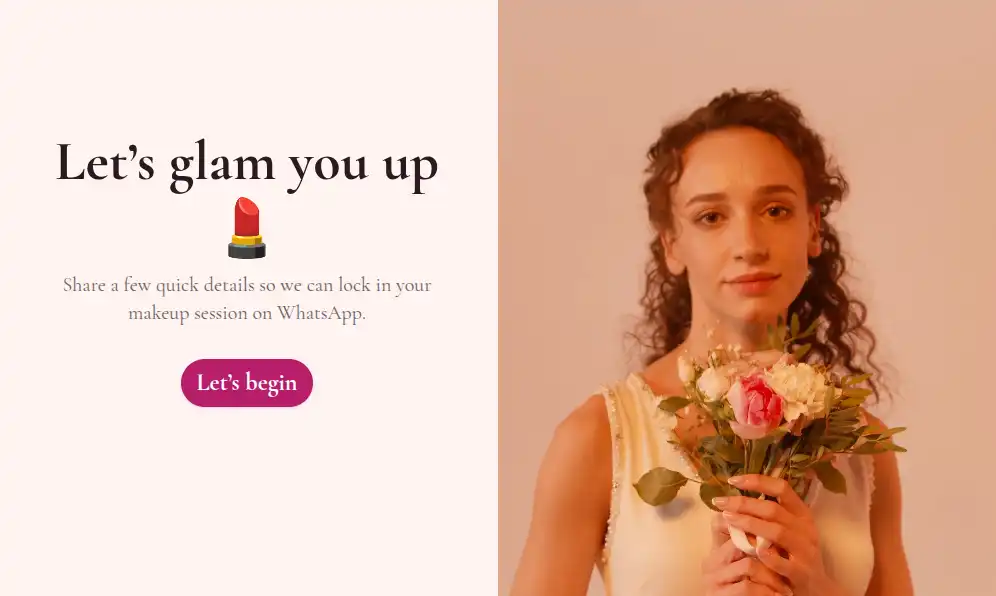
Want it ready-made? The WhatsApp booking form templates below cover salons, spas, makeup artists, and more — just edit the services and slots.
How to Reduce No-Shows (Without Automation Tools)
Instant confirmations and simple reminders are what actually cut no-shows — and with WhatsApp booking forms, both happen naturally:
- Confirm within minutes. A request that gets an instant “You’re booked for Saturday at 11 — see you then!” feels locked in. One that hears nothing for a day gets booked elsewhere.
- Remind from the same thread. The day before, reply in the existing chat: “See you tomorrow at 11!” Ten seconds, no tooling.
- Make rescheduling easy. “Need a different time? Just reply here” turns cancellations into reschedules instead of silent no-shows.
These are replies you send — there’s no automation sequence — but because every request opens a real chat thread, each one takes seconds. If you also want bookings flowing into a CRM or calendar workflow, webhooks can forward every submission to external systems alongside the WhatsApp notification. And after the appointment, a quick WhatsApp feedback form turns a satisfied client into a repeat booking.
Do You Need WhatsApp Business for Booking Forms?
No. Formware works with your regular WhatsApp number — and it works equally well if you happen to use the free WhatsApp Business app. What you never need is the WhatsApp Business API: no Meta verification, no approved message templates, no per-conversation fees.
That’s the difference between this and most “WhatsApp scheduling” setups: the booking request arrives as a normal chat from your customer, not a template message from a business account.
Best Practices
- Keep the form short — 4 to 6 fields is the sweet spot on mobile
- Offer time slots as options, not free-text times — this guide shows the setup for salons
- Put the form link everywhere bookings happen: WhatsApp status, bio, website, QR codes at the counter
- Use the WhatsApp widget on your website so visitors can request an appointment without leaving the page
- Confirm fast, remind the day before, and keep the whole history in the thread
Related WhatsApp Forms
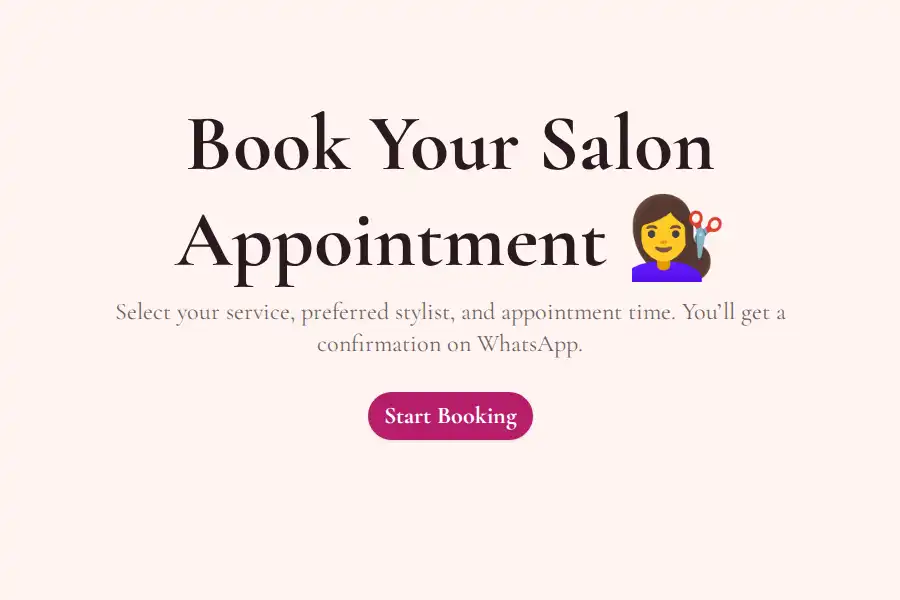
- Running a salon or beauty business? See WhatsApp booking forms for salons.
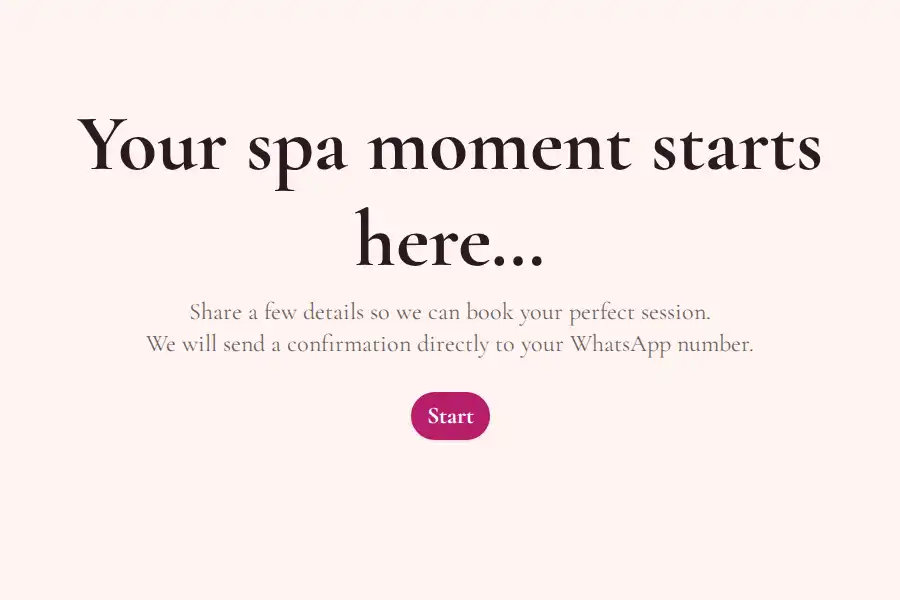
- Running a spa, studio, or training practice? See booking forms for spas, studios & trainers.
- Collecting RSVPs for a one-off event instead of appointments? See WhatsApp RSVP forms.
- Taking product orders too? See WhatsApp order forms.
- Just need a general inquiry or contact form? See WhatsApp contact forms.
- Evaluating tools? See the best WhatsApp form builders — including Formware vs. WhatsForm and Formware vs. Collect.chat.
Frequently Asked Questions
What is a WhatsApp booking form?
It’s an online form for appointment requests that delivers each submission directly to your WhatsApp — as a message from the customer’s own number, so you can confirm with a quick reply.
How do customers book through WhatsApp?
They tap your form link (in your status, bio, website, or QR code), fill out a short form with their preferred service, date, and time slot, and submit. Their request appears in your WhatsApp instantly — no WhatsApp account needed on their side to fill it in.
Do I need the WhatsApp Business API?
No. Submissions are delivered to your regular WhatsApp number without any API account, verification, or message templates.
Can I send booking reminders?
Yes — as replies in the same chat thread, which is how most small businesses do it: a quick “see you tomorrow” message the day before. There’s no automated reminder sequence, but with the thread already open, reminders take seconds.
Can bookings sync to my calendar automatically?
There’s no native calendar sync. Your bookings are stored in the Formware dashboard, and webhooks can forward submissions to external tools — but many businesses simply manage slots from the chat, since requests arrive in real time and double-booking is easy to spot.
How do I prevent double bookings?
Use a time-slot dropdown limited to the slots you offer, and confirm each request with a reply before locking it in. Since every request lands in your WhatsApp the moment it’s submitted, conflicts surface immediately. The full slot-management walkthrough is in the salon booking guide.
Is it free?
Yes — WhatsApp forwarding is included on the free plan, along with unlimited forms, questions, and responses. You only ever pay if you want Pro features like removing Formware branding or custom domains.
Booking form or booking template — which should I start with?
Same thing, different starting point. A blank form gives you total control; a booking template gives you a proven field structure for your niche that you can tweak in minutes.