

Makeup Artist Booking Form for WhatsApp
It’s 4:45 AM on a wedding morning. One kit, five faces, a bride with opinions about her lashes, and somewhere in your DMs — buried under reels and voice notes — is the message where she told you the address. This is the booking system most makeup artists never chose.
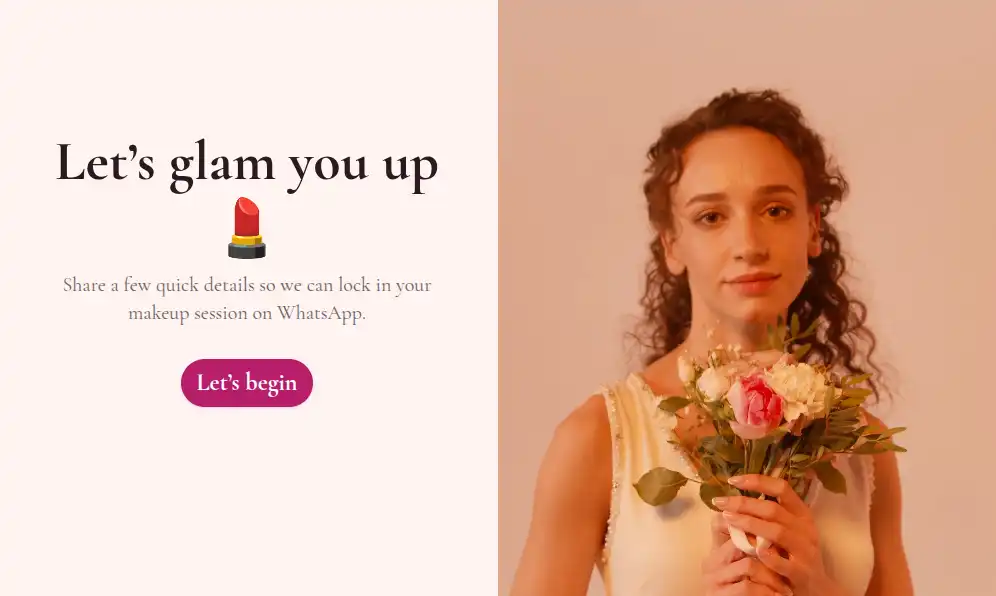
A WhatsApp booking form moves the details out of the chat log and into a structured request. Clients answer once: the occasion, the look, the date, where you’re going, and how many people need makeup. Each submission lands in your WhatsApp as an organized message from the client’s number — ready for a single confirming reply. Part of our WhatsApp booking form templates collection, and editable end-to-end with the WhatsApp form builder.
Ask These, Skip the Back-and-Forth
Every question here exists to protect a wedding morning or a paid evening:
- The occasion — bridal / party / editorial / corporate / other. A bridal booking and a birthday glam are different jobs with different prep
- The look — natural, glam, classic bridal, HD, airbrush-style — mirror the services you actually sell
- The date — a date field, so “the 14th” means the same month to both of you
- Getting-ready start time — offer the slots you want to fill; bridal mornings go first
- The address — an address field for on-location work, so travel is priced before you confirm
- Headcount — a number field, because “me plus my bridesmaids” can consume your entire day
- Trial wanted? — a yes/no question; bridal clients who skip trials are the ones you should see coming
- Reference photo (optional) — a file upload showing the look they’re picturing, not describing
- Contact details — name and number so the request arrives reply-able
Five-Minute Setup
Duplicate the template, replace the look and occasion options with your own service list, and paste your WhatsApp number into the form settings — submissions forward to your chats from then on (forwarding setup). On the free plan you can run unlimited forms and unlimited bookings with WhatsApp forwarding included; Pro (from $29.99/month) is there when you want your own branding on the form, a custom domain, or unlimited attachment sizes. Share the link from your Instagram bio, your WhatsApp status, or a QR code printed on your rate card — publishing takes one click.
Trials, Deposits, and the Wedding-Morning Run Sheet
Formware captures the booking, not the payment — the confirmed request becomes a chat, and the chat is where money changes hands:
- Settle on date and price in the thread, then send your payment link or account details for the deposit. Most artists release the date only once it lands
- Offer trial appointments to anyone who says yes — schedule them the same way, as consultations, weeks before the wedding
- By the morning itself, the thread holds the complete record: the agreed look, the address, the headcount, the trial decisions. No scrolling through three weeks of messages to remember what the fourth bridesmaid wanted
And because bridal inquiries often arrive months ahead, incomplete ones are worth keeping — Pro’s partial submissions save whatever a client entered before abandoning, so a half-finished bridal inquiry is still a lead you can follow.
Small Habits That Keep Calendars Full
- Sell the trial, always — a yes/no trial question filters expectations early, and trialed brides are calmer brides
- Offer slots, accept no free-text times — “early morning?” means 4 AM to her and 8 AM to you; a dropdown of your actual start times ends that debate before it starts
- Get the headcount before confirming — six faces is a different booking, price, and arrival time than one
- State travel terms in the form — note your travel radius or fee beside the address question so on-location requests arrive pre-qualified
- Keep an email copy as a backup — self notifications mirror every booking to your inbox, useful when you’re mid-wedding and not watching chats
Frequently Asked Questions
How far in advance should bridal clients book?
Most brides inquire two to four months out, with peak-season dates going earlier. The form doesn’t change that — it just means the first serious inquiry arrives complete, so you can hold or release the date immediately instead of after a week of DMs.
Should the form ask about skin sensitivities?
Yes — one notes field covers allergies, skin prep, and anything else that changes what goes in your kit. Keep the form short and continue finer details in the thread once the booking is confirmed.
A bridal party of six just inquired — is this still the right form?
Exactly the right form. The headcount question surfaces the true size of the job before you commit, and you can reply with a party price and a longer call time in one message.
Do I need a website for this to work?
No. The link works anywhere you can paste it — bio, status, QR on a rate card. If you do have a site, embedding the form lets visitors book without leaving it.
What happens after a client submits?
Their answers arrive in your WhatsApp as one structured chat. You reply with availability and a price, take the deposit in the same thread, and the booking record builds itself from there.