What Is a WhatsApp Order Form?
A WhatsApp order form is a short online form customers use to place an order — and the moment they submit it, the order arrives directly in your WhatsApp as a message from the customer’s own number, laid out clearly so you can confirm it in seconds.
It replaces the two things that usually happen instead: customers typing messy DMs (“hi do u have the chocolate one?? 2 plz”), or orders getting lost between calls and texts. With a form, every order comes in complete, structured, and timestamped.
Businesses typically use WhatsApp order forms for:
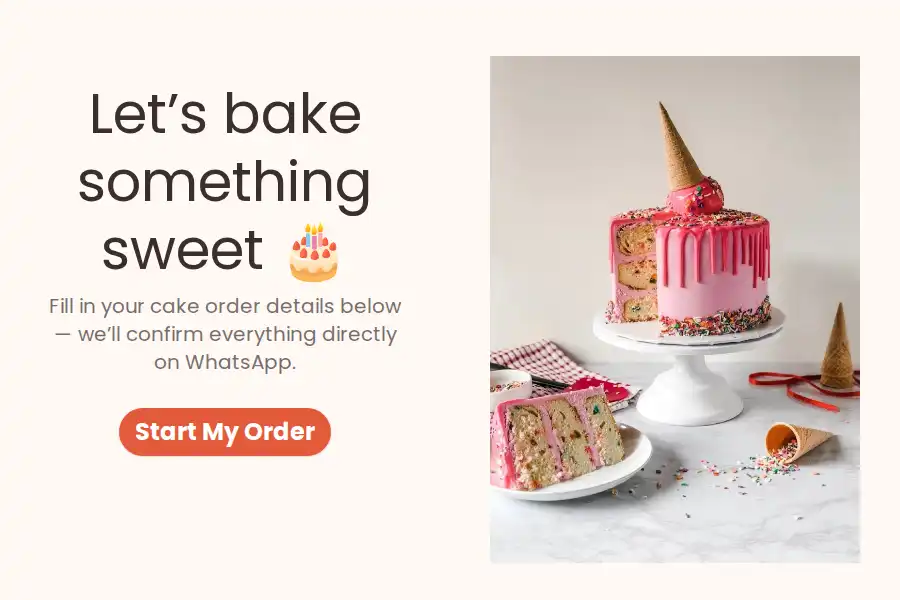
- Food & drinks — restaurants, cafés, bakeries, home kitchens, catering — see the dedicated guide to WhatsApp food order forms
- Handmade & custom products — cakes, clothing, jewelry, crafts, hampers — see order forms for handmade & made-to-order sellers
- Local shops & boutiques — pre-orders, reservations, made-to-order items
- Delivery businesses — meal subscriptions, flowers, home goods
How a WhatsApp Order Form Works
Build your order form Use the WhatsApp form builder to add your products, quantities, and delivery fields — or start from an order template below and swap in your own menu.
Add your WhatsApp number Paste your number into the form settings. That’s the entire setup — no WhatsApp Business API, no verification. Full walkthrough in the forwarding guide.
Share the form Put it on your website, link it in your bio, add the link to your WhatsApp catalog or status, or print it as a QR code on packaging, menus, and receipts.
Confirm and fulfill Each order arrives in your WhatsApp from the customer’s own number. Confirm it, ask a clarifying question, share a payment link, or arrange delivery — all in the same thread.
What to Include in an Order Form
Structured fields are what turn “orders” into fulfillable orders:
- Customer name — for the conversation and the label
- WhatsApp number — the reply-able contact for confirmations
- Product selection — a dropdown or picture choice with your actual products; add an “Other” option for custom requests
- Quantity — a number field
- Variant details — size, flavor, color, customization (a short text field works well here)
- Delivery or pickup — a multiple choice, then an address field for delivery
- Preferred date/time — use a date field plus a dropdown of your delivery or pickup slots — customers can only choose times you can actually honor
- Notes (optional) — allergies, gift messages, “ring the bell twice”
The slot dropdown is the single best field on a food order form. Free-text times produce “asap,” “evening maybe?” and disappointment. Fixed options produce deliverable orders.
Example WhatsApp Order Form (Copy This)
- Name — short text
- WhatsApp number — phone number
- Your order — picture choice or dropdown of products
- Quantity — number
- Customization / notes — long text (e.g., flavor, message on the cake, size)
- Delivery or pickup — multiple choice
- Address (if delivery) — address
- Preferred date — date
- Preferred slot — dropdown (e.g., 10–12 / 12–2 / 4–6)
Want it ready-made? The WhatsApp order form templates below cover cakes, bakeries, catering, and more — just edit the products and slots.
How Do You Get Paid?
Honest answer: Formware collects the order information, not the payment — there’s no built-in card processing. In practice, that’s how most small WhatsApp businesses run anyway, and the chat thread makes payment easy:
- Send a payment link in the chat — after confirming the order, reply with your UPI, bank transfer details, or a payment link (Stripe, Razorpay, PayPal — whatever you already use)
- Cash on delivery — confirm the order, collect on the doorstep
- Deposit for custom orders — for cakes and made-to-order items, take a partial payment in the chat before you start
The order form gets you a complete, confirmed order with a live chat attached — payment happens in that chat, on your terms. For a standalone pay-and-collect flow, see the payment authorization form template.
Do You Need WhatsApp Business for Order Forms?
No. Formware works with your regular WhatsApp number, and equally well with the free WhatsApp Business app — what you never need is the WhatsApp Business API, with its Meta verification, message templates, and per-conversation fees.
Worth knowing: the WhatsApp Business app has its own catalog and cart feature inside chats. It’s genuinely useful — and many businesses use it alongside an order form. The difference:
- Catalog/cart works only inside a WhatsApp chat, and the customer assembles the order themselves
- Order form works everywhere your customers are — website (via the WhatsApp widget or an embed), bio, QR code on packaging, Instagram, ads — and captures details a cart can’t: customizations, delivery address, preferred date, notes
A common setup: the catalog for browsing, the form link in the catalog’s bio or on your website for actual orders.
Best Practices
- Keep it to 5–7 fields — every extra field costs you orders
- Use picture choices for products — food and crafts especially sell themselves visually
- Offer fixed delivery/pickup slots, never free-text times
- Put the form link everywhere orders happen: WhatsApp status, bio, QR codes on packaging, website header
- Confirm fast — an order that gets an instant reply feels placed; one that hears nothing feels abandoned
- Forward orders to Sheets or your CRM via webhooks if you track daily totals or hand off to a delivery team
Related WhatsApp Forms
- Running a bakery, kitchen, or catering service? See the full guide to WhatsApp food order forms.
- Selling custom clothing, jewelry, crafts, or decor? See order forms for handmade & made-to-order sellers.
- Taking appointments too? See WhatsApp booking forms, or the industry guides for salons and spas, studios & trainers.
- Need a general inquiry form for questions before ordering? See WhatsApp contact forms.
- Evaluating tools? See the best WhatsApp form builders — including Formware vs. WhatsForm and Formware vs. Collect.chat.
Frequently Asked Questions
What is a WhatsApp order form?
An online form customers use to place orders, where each submission is delivered directly to your WhatsApp — structured, complete, and sent from the customer’s own number so you can confirm with a quick reply.
How do customers order through WhatsApp?
They tap your form link (in your status, bio, website, or a QR code), pick their products and delivery details, and submit — no WhatsApp account or app needed on their side to fill it in. The order then appears in your WhatsApp instantly.
Can I take payments through the form?
Formware collects order details, not payments. Most businesses confirm the order in the chat and then send a payment link (UPI, bank transfer, Stripe, Razorpay, PayPal) or collect cash on delivery — the existing thread makes payment simple.
Do I need the WhatsApp Business API?
No. Orders are delivered to your regular WhatsApp number without any API account, verification, or message templates — even if you happen to use the free WhatsApp Business app.
How is this different from the WhatsApp Business catalog?
The catalog lives inside WhatsApp chats and lets customers build a cart themselves. An order form works from anywhere — website, bio, QR code — and captures details a cart can’t, like customizations, delivery addresses, and preferred time slots. Many businesses use both together.
Can customers order multiple products in one form?
Yes — use a multiple-selection or picture choice field for products, plus quantity fields, or keep one form per product line for made-to-order items. For complex menus, the cleanest pattern is a product field plus a “customization” text field per order.
Is it free?
Yes — WhatsApp forwarding is included on the free plan, with unlimited forms, questions, and responses. You’d only pay if you want Pro features like removing Formware branding or using your own domain.
Is this a complete ordering system?
It replaces order-taking chaos (DMs, texts, memory) with structured, instant orders — but it’s not a POS or inventory system. There’s no stock tracking or automated receipts; orders land in your WhatsApp and your dashboard, and webhooks can pass them to whatever tools you use next.