
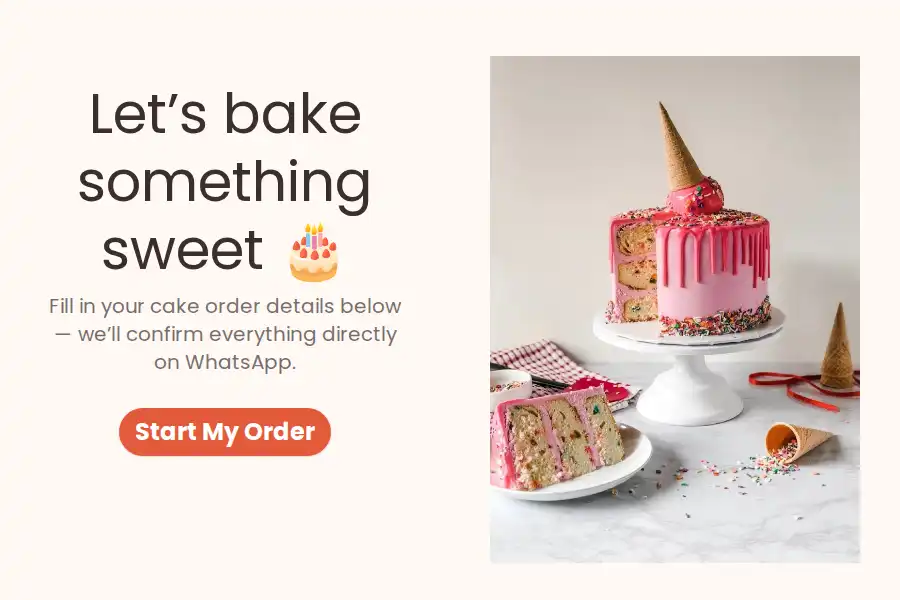
Custom Cake Order Form for WhatsApp
A custom cake isn’t an off-the-shelf order — it’s a commission. Someone’s four-year-old wants a dinosaur excavator party cake, a couple needs three tiers by Saturday, and the brief for both currently lives in a voice note, a Pinterest screenshot, and a half-remembered “do u make eggless?” from last Tuesday.
This form collects the commission properly: the occasion, the size, the flavor, the design, the date it’s needed — all in one submission that arrives in your WhatsApp, ready for a quote. It belongs to our WhatsApp order form templates collection.
What the Design Brief Should Capture
- Occasion — birthday, wedding, anniversary, corporate, “just because” — it changes everything downstream
- Size in servings — a dropdown tied to your pans (“6-inch, serves 8–10”), so customers order in servings instead of guessing at inches
- Flavor and frosting — your menu as multiple choice, with an “Other” escape hatch for requests beyond it
- Message on the cake — short text, written exactly as it should appear, misspellings and all
- Design details — long text for theme, colors, toppers, and the ideas that only make sense spoken aloud
- Reference photo — a file upload for the inspiration picture; one image beats ten lines of description
- Date needed — a date field, the first fact that decides whether you can take the job
- Allergens — eggless, nut-free, lactose — captured before the kitchen plans anything
- Name and number — so the brief is reply-able the moment it lands
The Quote-First Workflow
Custom work is quoted, not priced off a menu — so the form is built to hand you a quotable brief:
- The brief arrives in your WhatsApp, design and date attached (forwarding setup)
- You quote from the full picture — size, design complexity, tiers, delivery — and send the number in the chat
- The deposit secures the date. The form collects the brief, not the money; the deposit happens in the thread, and the date is yours to promise only once it lands
- Balance at handoff — pickup or delivery, settled in the same conversation, where the entire brief already lives for bake day
Most bakers run this on the free plan; Pro (from $29.99/month) earns its keep once clients start attaching full design albums — file sizes are uncapped — or you want the form wearing your own domain.
Half-Finished Briefs Are Still Leads
Wedding and event clients often start a brief at midnight and abandon it mid-design. With partial submissions, whatever they entered — occasion, date, the flavor they were sure about — is saved for a gentle “saw your inquiry started — shall we finish it?” follow-up. Abandoned forms become a follow-up list instead of lost work.
Wedding Cakes Take the Long Path
A tiered wedding cake carries questions a birthday cake never asks. With conditional logic in the builder, clients who select “Wedding” continue into tiers, tasting appointments, venue delivery, and setup-time questions — while birthday orders finish in a minute flat. Same link, two different depths of brief.
The Calendar Fills in One Direction
Peak weekends book out first, so make the date question work for you: add a lead-time note beside it (“custom cakes need 72 hours’ notice”), and in the packed weeks, offer the dates you can still take as dropdown options instead of an open calendar. Customers choose among dates that genuinely exist — and every request still gets a human yes before it’s confirmed.
Frequently Asked Questions
How do I price a cake from the form?
Servings set the base, design detail and tiers multiply it, delivery adds travel, and the date tells you whether peak pricing applies. Every input the quote needs is in the brief — you’re pricing from a picture, not an interrogation.
What if a customer wants something that's not on my flavor list?
The “Other” option plus the notes field catch it. Their request arrives with the rest of the brief, and you confirm feasibility — and adjust the quote — in the chat before anything is promised.
How much notice should I require?
Whatever your kitchen needs — 48 and 72 hours are common for custom work; wedding cakes usually book weeks out. State the lead time beside the date question, and impossible requests filter themselves out.
Can the form ask wedding clients different questions?
Yes. Conditional logic branches on answers, so wedding selections extend into tiers, tastings, and venue-delivery questions that standard orders never see. You set the branches in the builder’s logic settings.
When do I collect payment?
Quote in the thread, take the deposit there, and hold the date only once it lands — the standard for custom work. The balance changes hands at pickup or delivery, in the same conversation that holds the whole brief.