


Can You Send Form Responses to WhatsApp?
Yes — there are two ways to do it:
- Native WhatsApp forwarding — a form builder (like Formware) with WhatsApp delivery built in. You enter your WhatsApp number once, and every submission is forwarded to your chats automatically. No API, no middleware, set up in minutes.
- Automation + WhatsApp Business API — for form platforms that don’t support WhatsApp natively, you connect them through an automation tool (Zapier, Make, Apps Script) plus a Meta WhatsApp Business API account. It works, but it means verification, message templates, and monthly costs.
If you’re starting fresh or can switch form builders, the native route is faster, cheaper, and gives a better reply experience. This page explains how it works and how to set it up. If you’re specifically trying to connect Google Forms to WhatsApp, see our dedicated Google Forms to WhatsApp guide.
How Sending Form Responses to WhatsApp Works
With Formware’s WhatsApp forwarding, the flow looks like this:
- Someone fills out your form — via link, QR code, website embed, or widget
- The moment they submit, the response is forwarded to your WhatsApp
- It arrives as a normal chat message from the respondent’s own WhatsApp number
- You hit reply and continue the conversation in the same thread
A notification looks along these lines:
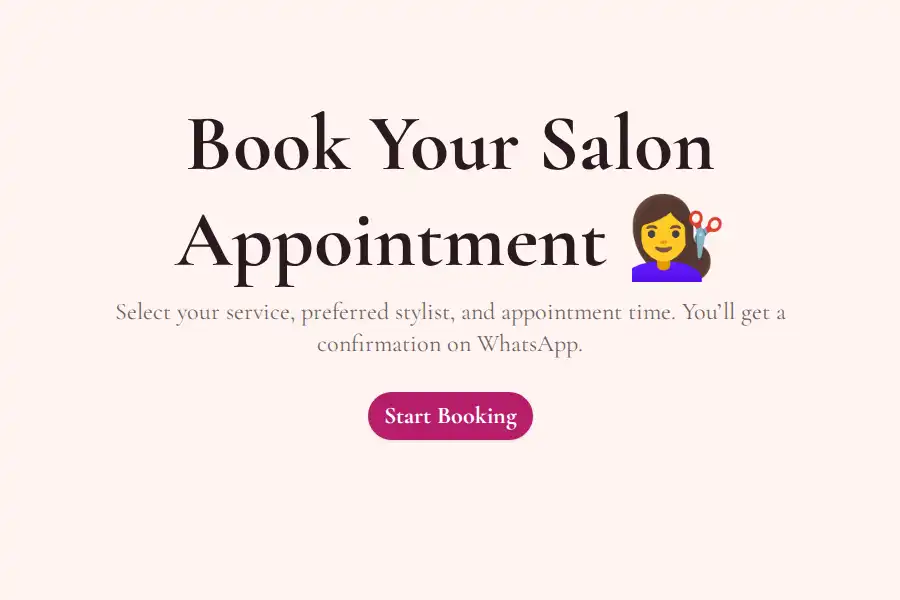
New response: Salon Appointment Form
Name: Sara M. Phone: +1 555-0134 Service: Balayage Preferred date: Sat, Jun 14 — 11:00 AM Notes: Long hair, first visit
Because it’s a regular WhatsApp conversation — not an email alert or a dashboard ping — you can reply immediately, ask a follow-up question, or confirm the booking while the customer is still engaged.
Set Up Form-to-WhatsApp Notifications in 3 Steps
1. Create Your Form
Build it with the drag-and-drop form builder or start from a ready-made WhatsApp template for bookings, orders, or lead capture.
2. Add Your WhatsApp Number
Paste your number into the form’s settings — that’s the entire integration. Full walkthrough in the WhatsApp forwarding guide.
3. Share the Form and Start Receiving
Share by link or QR code, embed it on your website, or add the WhatsApp widget. Every submission lands in your WhatsApp automatically.
What You Can Do With Each Notification
The value isn’t just knowing a submission happened — it’s what you can do in the seconds after:
- Qualify a lead — reply with one question (“What’s your timeline?”) while the prospect is still on their phone
- Confirm a booking — verify the slot and lock it in before the customer looks elsewhere
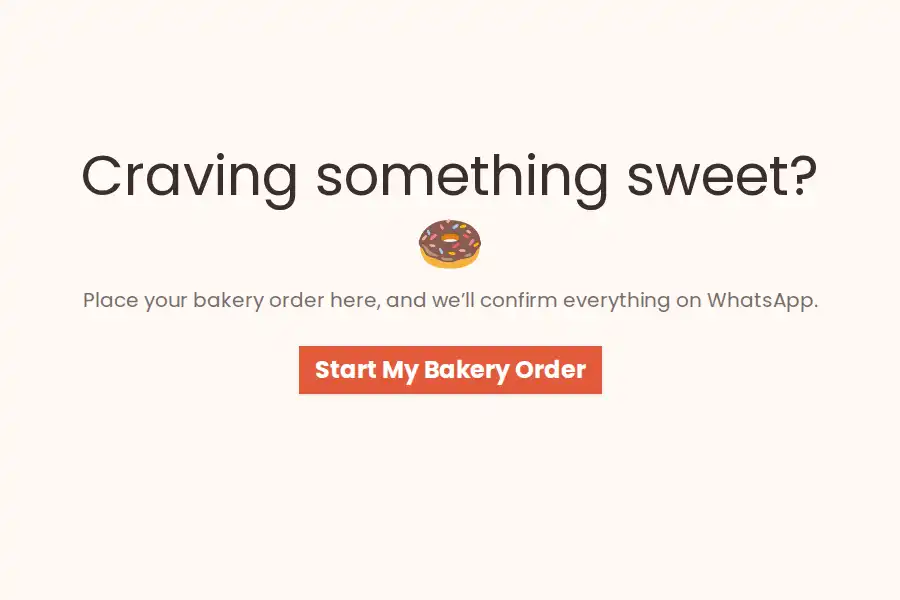
- Clarify an order — ask about size, flavor, delivery address, or customization on the spot
- Loop in a teammate — forward the WhatsApp message to whoever handles fulfillment
All of this happens in the chat thread itself. No copying contact details, no switching apps, no “we’ll get back to you by email.”
Should You Still Keep Email Notifications?
Sometimes, yes — the two channels solve different problems:
- WhatsApp is for speed and conversation: leads, bookings, orders, anything time-sensitive where replying fast wins the customer.
- Email/spreadsheets are for records and process: compliance copies, weekly reporting, or teammates who work from a CRM.
With Formware you don’t have to choose. Responses are always stored in your dashboard (and exportable), and webhooks can forward every submission to Google Sheets, a CRM, or any other system — so your team gets the structured backup while you handle the live conversation on WhatsApp.
Every Way to Collect Submissions That Trigger Notifications
- Direct link — perfect for bios, ads, and sharing the form inside WhatsApp itself: groups, broadcast lists, and status updates
- QR codes — on menus, packaging, receipts, storefronts, and flyers; a scan opens the form on their phone
- Website embed — the form lives on your page, responses still arrive in your chats
- WhatsApp widget — a chat-style button on your site that opens a short form in a popup; see the WhatsApp widget
All four feed the same pipeline: submission → instant WhatsApp notification → reply in thread.
What About Forms Built on Other Platforms?
Native WhatsApp forwarding works for forms built in Formware. If your forms live somewhere else:
- On Google Forms? Google Forms has no WhatsApp integration — see our Google Forms to WhatsApp guide for the workarounds and the fastest path forward.
- On another builder? Your options are the middleware + API route described above, or recreating your form in Formware — standard question types (text, email, phone, dropdown, dates, file uploads) rebuild in minutes, and WhatsApp forwarding comes built in.
- On WordPress? Form plugins deliver by email by default — see WhatsApp forms for WordPress for the no-plugin approach.
Frequently Asked Questions
How do I send form responses to WhatsApp?
Use a form builder with built-in WhatsApp forwarding. In Formware, you create your form, paste your WhatsApp number into the settings, and share the form — every submission is then delivered to your WhatsApp as an instant message.
Do I need the WhatsApp Business API to get form notifications?
No. Formware forwards responses to your regular WhatsApp number without any API account, business verification, or message templates. You only need the Business API if you’re wiring up a form platform that doesn’t support WhatsApp natively.
What does a WhatsApp form notification look like?
It arrives as a normal WhatsApp chat message from the respondent’s own number, with each question and answer laid out clearly — so you can scan it in seconds and reply directly in the thread.
Do respondents need WhatsApp to fill out my form?
Respondents just fill out a normal web form — nothing to install on their side. The WhatsApp part happens on your end. (The reply-in-thread experience naturally works best when respondents use WhatsApp, which is the norm in WhatsApp-first markets.)
Is sending form responses to WhatsApp free?
Yes — WhatsApp forwarding is included on Formware’s free plan, along with unlimited forms, questions, and responses (subject to fair use). Compare that to the automation route, where you pay for both the automation platform and WhatsApp API conversation fees.
Can more than one form send notifications to the same WhatsApp number?
Yes. Enable forwarding on any of your forms, and submissions from all of them arrive in the same WhatsApp inbox — bookings, orders, and leads side by side.
Will I still have a record of responses outside WhatsApp?
Always. Every response is stored in your Formware dashboard where you can browse and export it, and webhooks can forward submissions to Google Sheets, a CRM, or email for backup and reporting.
What can I use WhatsApp form notifications for?
Anything where a fast reply matters: lead capture, appointment bookings, product orders, quote requests, and customer inquiries. Our booking form templates and order form templates get you started in minutes.