

Can Google Forms Send Responses to WhatsApp?
No — Google Forms has no built-in WhatsApp integration. When someone submits a Google Form, the response is saved to Google Sheets and optionally sent as an email notification. WhatsApp is never part of the loop.
To get Google Form responses on WhatsApp, there are three realistic options:
- Connect Google Forms to WhatsApp through an automation tool like Zapier or Make, plus a WhatsApp Business API account
- Build it yourself with Google Apps Script calling the WhatsApp Cloud API
- Use a form builder with WhatsApp forwarding built in, like Formware
Options 1 and 2 work, but both require the WhatsApp Business API, recurring costs, and maintenance. Option 3 takes a few minutes and is free to start.
This page breaks down all three — and shows how to move to a setup where every submission arrives directly in your WhatsApp inbox.
Why People Want Google Forms and WhatsApp to Work Together
Google Forms is free, familiar, and easy to use — which is why millions of small businesses use it to collect leads, bookings, and orders.
The problem shows up after the submission. In most markets, your customers live on WhatsApp, not email. A lead that arrives as a spreadsheet row gets seen hours later — or never. A lead that arrives as a WhatsApp message gets a reply in minutes.
That gap is why “Google Forms + WhatsApp” is such a common search: people want to keep the structured collection of a form but get the speed and immediacy of a chat.
3 Ways to Get Google Form Responses on WhatsApp
Option 1: Automation Tools + WhatsApp Business API (Zapier, Make)
The most common workaround:
- A Google Form response arrives in the linked Google Sheet
- An automation tool (Zapier, Make, or similar) detects the new row
- The automation sends a message through the WhatsApp Business Cloud API
To make this work you typically need:
- A paid tier on the automation platform (WhatsApp actions usually aren’t on free plans)
- A Meta WhatsApp Business API account with business verification
- An approved message template for business-initiated messages
- Ongoing attention — automations can fail silently, templates get rejected, API quotas apply
This route makes sense if you’re locked into Google Forms for other reasons and already have API access. For most small businesses, it’s heavy machinery for a simple job.
Option 2: Google Apps Script (the Developer Route)
Technically inclined users write an Apps Script that fires on form submission and calls the WhatsApp Cloud API directly.
This is flexible — you can route messages based on answers, filter spam, format anything — but you’re on the hook for the code: API credentials, message templates, error handling, and fixes when Meta changes something. It’s a real option for teams with a developer, and overkill for everyone else.
Option 3: A Form Builder With Native WhatsApp Forwarding
The simplest route is to use a form builder where WhatsApp delivery is a built-in feature — no API, no middleware.
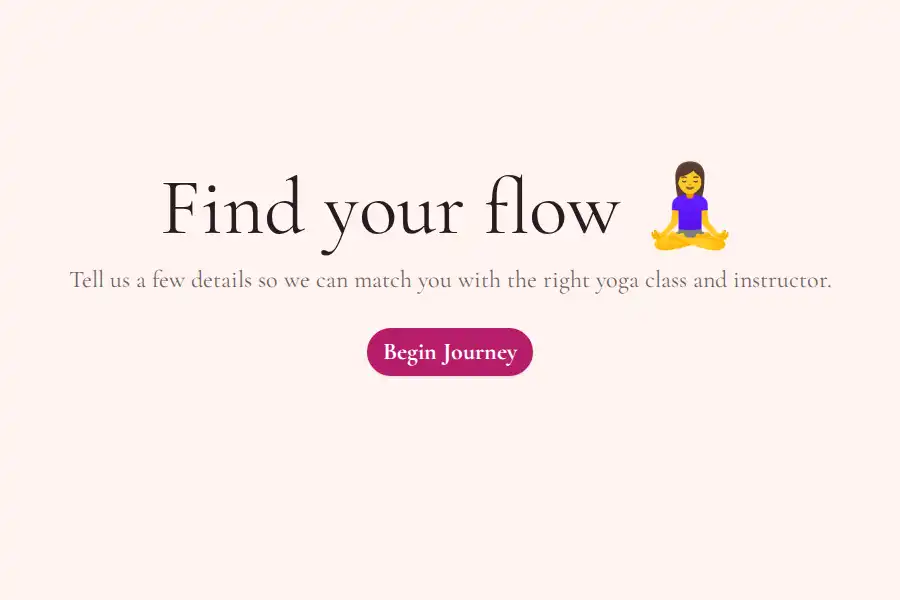
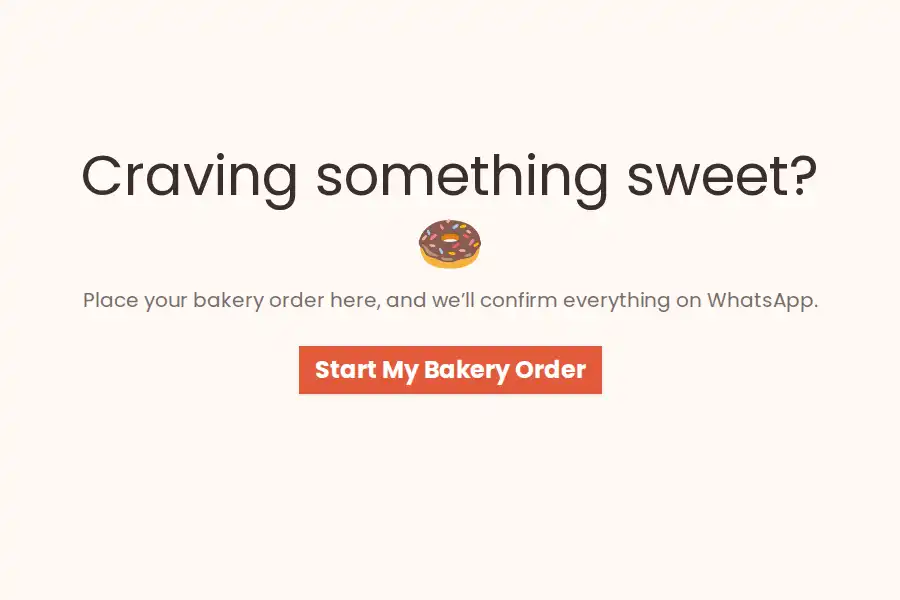
With Formware, the whole setup looks like this:
- Build your form (or start from a template) — lead capture, booking, order, or inquiry
- Paste your WhatsApp number into the form settings
- Share the form by link, QR code, website embed, or WhatsApp widget
Each submission then arrives in your WhatsApp as a message from the respondent’s own number, so you can reply in the same thread and start a real conversation. The WhatsApp functionality is included on the free plan, with unlimited forms, questions, and responses.
See how the WhatsApp form builder works or read the WhatsApp forwarding setup guide.
Just Want to Share a Form on WhatsApp?
Quick clarification, because searchers often mean one of two different things:
- Sharing a form via WhatsApp — sending your form’s link in a chat, group, status, or broadcast list. You can do this with any form, including a Google Form: copy the link, paste it into WhatsApp.
- Receiving responses on WhatsApp — submissions coming back to you as WhatsApp messages. This is what Google Forms can’t do, and what the options above solve.
If sharing is all you need, any form link works — see our guide to sharing forms on WhatsApp. But if you’re collecting leads, bookings, or orders, remember a shared Google Form still sends responses to a spreadsheet. With a Formware form, the same WhatsApp you share through is where responses arrive — one channel, both directions.
Which Route Should You Pick?
| Approach | Setup effort | Ongoing cost | Best for |
|---|---|---|---|
| Zapier/Make + WhatsApp Business API | Medium–high | Automation plan + API fees | Teams locked into Google Forms |
| Apps Script + Cloud API | High (developer) | API fees + maintenance | Devs who want custom logic |
| Formware WhatsApp forms | Minutes | Free | Most small businesses |
If WhatsApp is how you talk to customers — leads, bookings, orders — a WhatsApp-native form builder removes the entire workaround stack.
Still deciding whether a full switch makes sense? Our Formware vs Google Forms comparison breaks down features, pricing, and workflows side by side.
How to Switch From Google Forms to Formware
Moving over is straightforward:
1. Recreate Your Form
Every common Google Forms question type has an equivalent: short text, long text, email, phone number, dropdown, multiple choice, date, file upload, ratings, and consent checkboxes. Most forms rebuild in under ten minutes — or start from a ready-made WhatsApp template and just edit the fields.
If you’re still comparing tools, our guide to the best Google Forms alternatives covers how Formware stacks up against the rest of the market.
2. Link Your WhatsApp Number
Enter your number in the form settings. No WhatsApp Business API account, no verification process. Full walkthrough in the WhatsApp forwarding guide.
3. Replace Your Form Links
Swap the Google Forms link everywhere it lives: your website, link in bio, QR codes, ad campaigns, email signatures. Forms embed on WordPress, Webflow, Wix, Shopify, Squarespace, and custom sites.
If you run ads, use hidden fields to carry UTM parameters and campaign IDs through to each submission — so you keep the tracking you had with Google Forms.
4. (Optional) Keep Your Spreadsheet Workflow
If you or a teammate still wants responses in Google Sheets, Formware’s webhooks let you forward submissions to Sheets, a CRM, or any other system — you get the WhatsApp speed and the structured backup.
Where a Google Forms → WhatsApp Switch Makes the Biggest Difference
The switch pays off fastest when response speed directly drives revenue:
- Lead generation — contact prospects before they talk to a competitor. See WhatsApp lead generation.
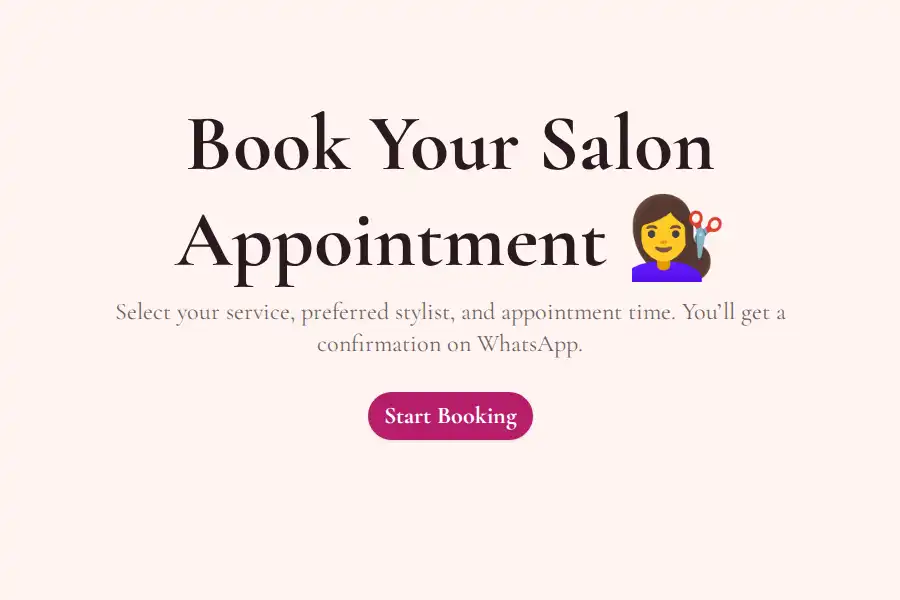
- Appointments and bookings — confirm instantly and cut no-shows. Browse WhatsApp booking form templates.
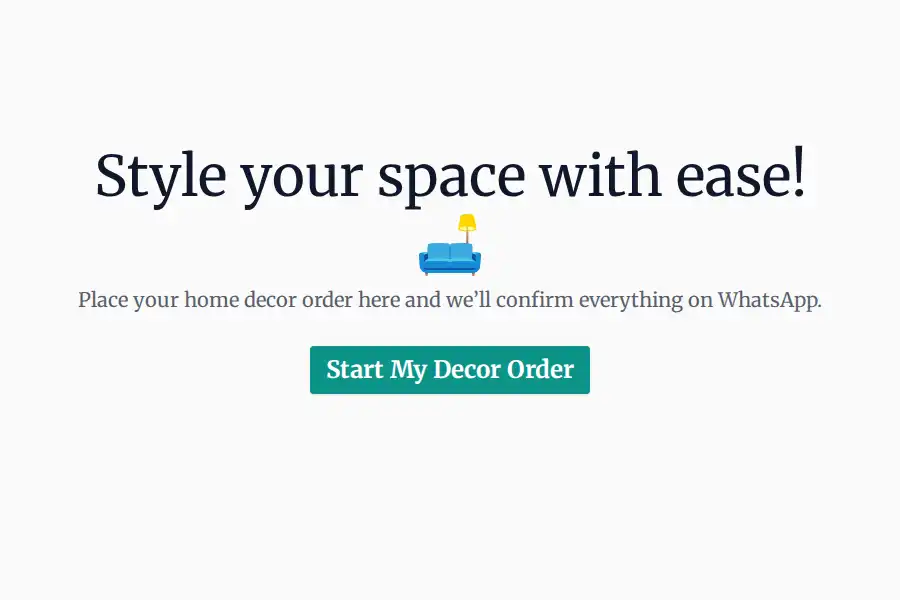
- Product orders — confirm orders and answer questions in one thread. See WhatsApp order form templates.
- Customer inquiries — continue the conversation naturally instead of replying by email. See WhatsApp contact forms.
If your website is the main source of inquiries, the WhatsApp widget lets visitors submit a short form from a popup on your page — with the response delivered straight to your WhatsApp.
Frequently Asked Questions
Can Google Forms send responses directly to WhatsApp?
No. Google Forms has no native WhatsApp integration — responses go to Google Sheets and optional email notifications. You need either a third-party automation (plus the WhatsApp Business API) or a form builder with WhatsApp forwarding built in.
Is there an official Google Forms WhatsApp integration?
No. Google doesn’t offer one, and Meta’s WhatsApp Business API doesn’t connect to Google Forms out of the box. Every working setup involves middleware (Zapier, Make, Apps Script) or switching to a form builder that supports WhatsApp natively.
How do I get a WhatsApp notification for every form submission?
The no-code way: use a form builder like Formware, paste your WhatsApp number into the form settings, and every submission is forwarded to your WhatsApp automatically — no automation recipes required.
For the full walkthrough — including what the notifications actually look like — see our guide to sending form responses to WhatsApp.
Do I need the WhatsApp Business API to receive form responses on WhatsApp?
Not with Formware. Responses arrive as messages from the respondent’s own WhatsApp number, so a regular WhatsApp number is enough. You only need the Business API if you insist on keeping Google Forms and wiring it up through an automation platform.
Is sending form responses to WhatsApp free?
With Formware, yes — WhatsApp forwarding is included on the free plan, along with unlimited forms, questions, and responses. The Google Forms workaround route generally isn’t free: automation platforms charge for WhatsApp steps, and the WhatsApp Business API has its own conversation-based pricing.
Will I still be able to see responses in a spreadsheet?
Yes. Formware stores every response in a structured view you can browse and export, and you can forward submissions to Google Sheets or a CRM via webhooks if you want the spreadsheet workflow too.
Can I recreate my existing Google Form in Formware?
Almost always in a few minutes. All the standard Google Forms question types have direct equivalents — text, email, phone, dropdown, multiple choice, dates, file uploads, ratings, and consent — and WhatsApp templates cover common booking and order forms.
Can respondents continue the conversation after submitting?
Yes — that’s the key advantage. Because submissions arrive from the respondent’s own WhatsApp number, you can reply directly in the same thread, ask follow-up questions, and close the booking, order, or sale without ever exchanging contact details manually.