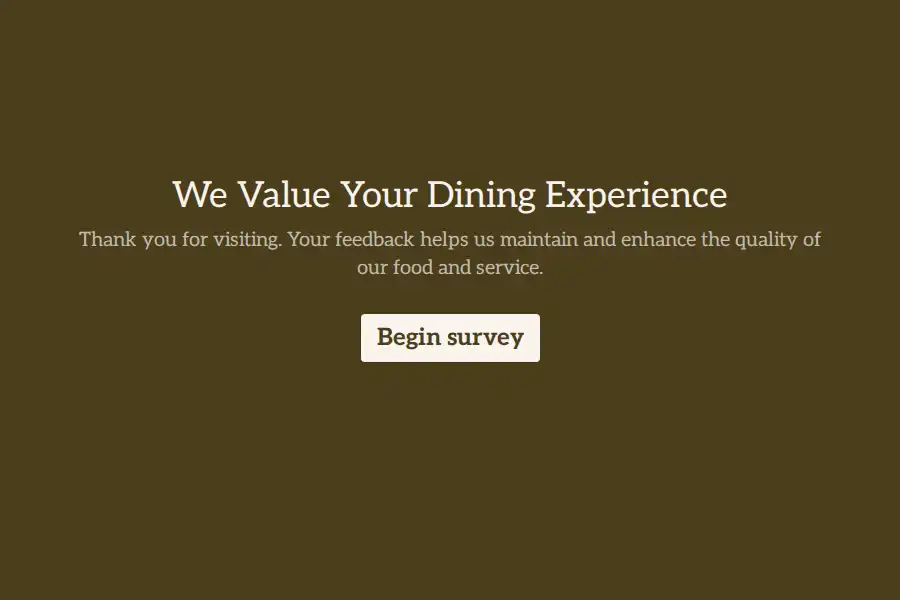
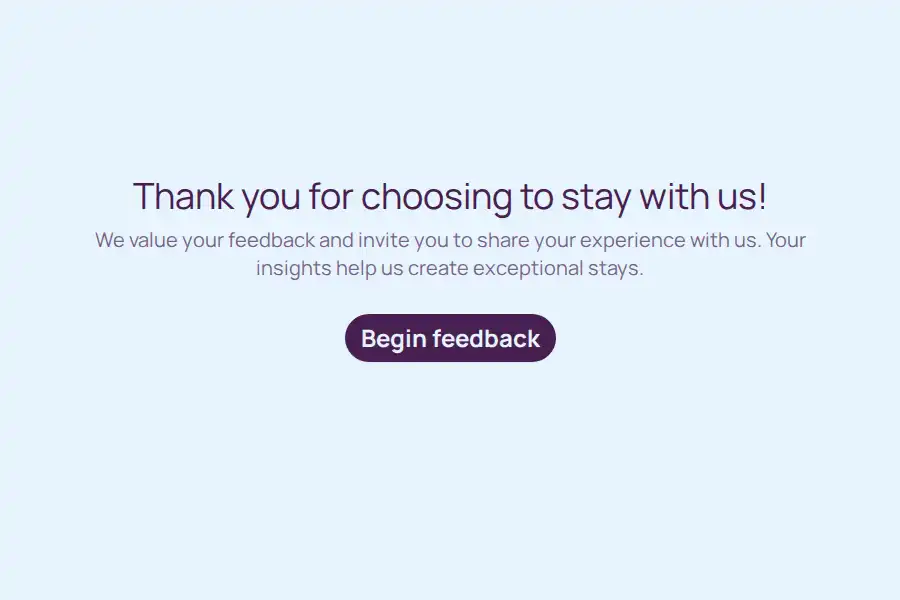
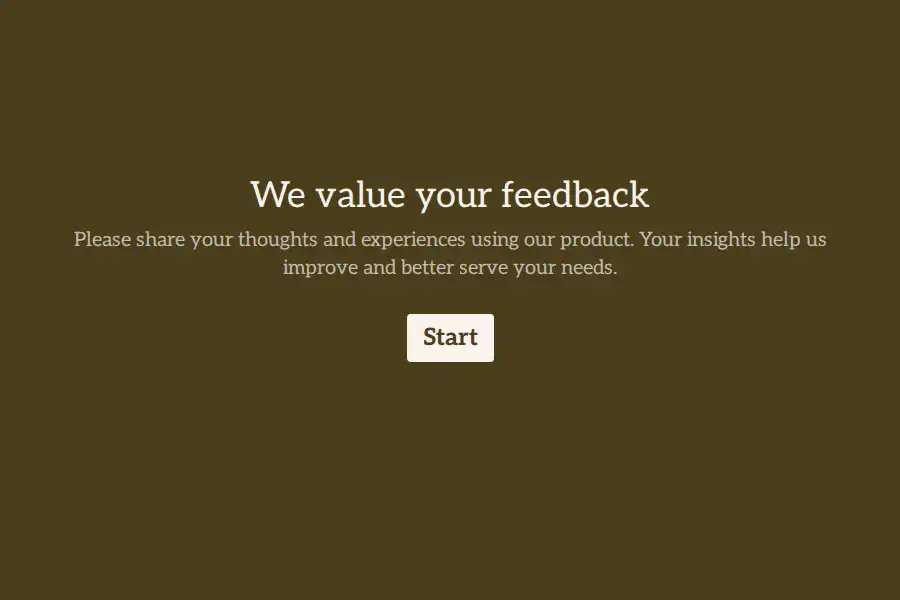
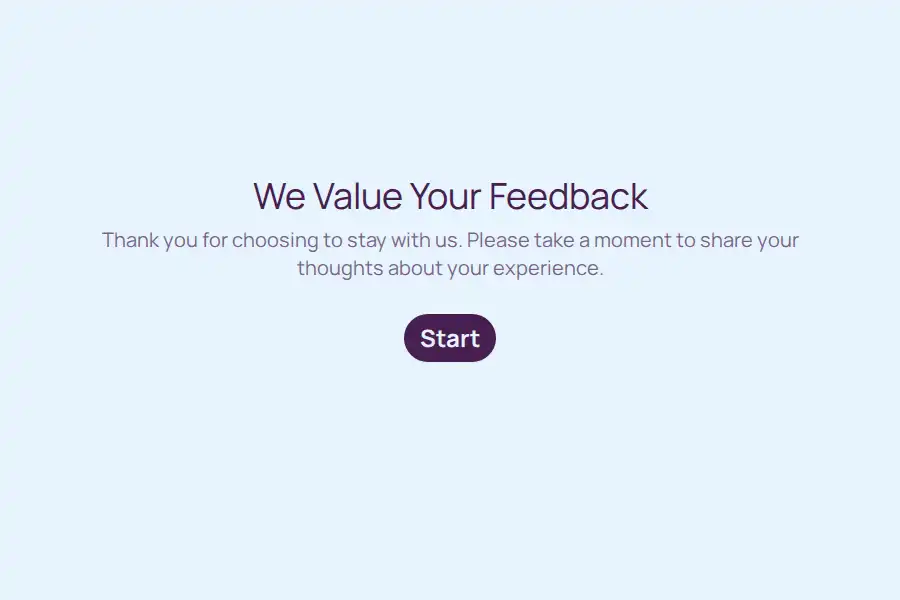
What Is a WhatsApp Feedback Form?
A WhatsApp feedback form is a short web form you send into the same WhatsApp conversation where a customer just bought, booked, or dined — rating, one or two questions, an optional comment. The response arrives as structured data in your dashboard (and optionally back to your WhatsApp as a notification), while the experience is still fresh enough to be honest.
The channel is the feature. Feedback programs usually die in the inbox: email surveys get opened at 20% and answered at a fraction of that. A form link dropped into an active WhatsApp chat — a thread the customer is already engaging in — gets seen immediately. Same customer, same chat, one more message.
The Closed Loop: Orders, Bookings, Then Feedback
This is where a WhatsApp feedback form pays off most — when the rest of the workflow already runs on WhatsApp:
- Customer orders a cake through your WhatsApp order form — or books a session through a booking form
- You deliver, and confirm in the chat
- An hour later, you send the feedback form link into that same thread — “How was everything? 30 seconds: [link]”
- The rating and comments arrive in your dashboard; you reply to a rave with a thank-you (and a nudge to reorder), and to a complaint before it becomes a bad review
No new channel, no new contact list, no cold outreach. The feedback asks for attention you’ve already earned.
What to Put in a WhatsApp Feedback Form
Short is the whole game — aim for under thirty seconds:
- Rating — a 1–5 rating or opinion scale field, tappable
- What went well / what didn’t — one optional long-text field
- Context — a dropdown for what the feedback is about (product, delivery, service), if you collect feedback across offerings
- Follow-up permission — a yes/no field: “May we contact you about this?” — so a complaint becomes a conversation, not a one-way comment
- Name — optional; if the form goes into an existing chat, you often already know who they are
With conditional logic, a low rating (1–2) can reveal a “what went wrong?” field and skip the public-review nudge; a high rating (4–5) can skip straight to “would you leave us a Google review?” — routing praise and problems down different paths automatically.
How to Set It Up (~5 Minutes)
- Build the form with the WhatsApp form builder — or start from a template below. Add your WhatsApp number so responses can forward to your chat the moment they land.
- Prepare the message — a one-line send that fits the thread: “Thanks for ordering! Mind rating your experience? Takes 30 seconds: [link]”
- Print it where the experience happens — a QR code on table cards, packaging inserts, or receipts for customers you serve in person.
- Send it at the right moment — after delivery, after checkout, at the end of the appointment. The timing matters more than the wording.
More WhatsApp Guides
- WhatsApp contact forms — for ongoing inquiries rather than post-experience feedback
- WhatsApp order forms — the front half of the closed loop
- Feedback form templates — the full gallery beyond WhatsApp
Comparing tools? See how Formware compares with WhatsForm and Collect.chat — the other builders built around WhatsApp.
Frequently Asked Questions
Can I collect feedback directly inside a WhatsApp chat?
Not as structured data — chat replies are free text you’d tally by hand. A form link in the chat collects the same feedback as tappable ratings and structured fields, with every response stored and countable in your dashboard.
Will customers actually fill it out?
Response rates on WhatsApp links sent into active threads are consistently higher than email surveys — the message lands in a conversation the customer is already in, and a 15-second form respects that. Keep it short; a 10-question survey defeats the channel’s advantage.
Can I forward feedback responses to my WhatsApp too?
Yes — enable WhatsApp forwarding and each response arrives in your chat as it’s submitted, so a complaint reaches you the minute it’s filed.
Is it free?
Yes — unlimited forms and unlimited responses with WhatsApp forwarding on the free plan. Free forms carry Formware branding; Pro ($29.99/mo) removes it.