
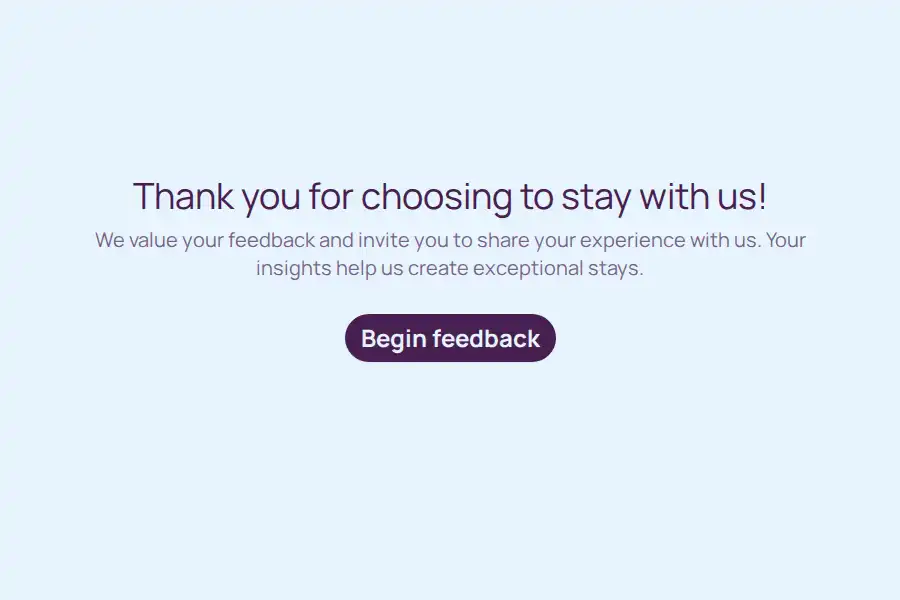


Hotel Feedback Form Template
A single negative review on a major travel site can cost a hotel significant revenue, yet guests rarely report their issues to the front desk before checking out. They simply pack up, leave, and post their frustrations online. To protect your property’s digital reputation, you need a private, frictionless channel that intercepts dissatisfaction before it becomes public.
This hotel feedback form template is built specifically for reputation defense and immediate service recovery. It gives your guests a safe space to vent, while giving your management team the crucial head start needed to resolve complaints, offer concessions, and turn frustrated visitors into loyal advocates.
Essential Fields for Service Recovery
Unlike general satisfaction surveys, this template is structured to quickly identify the root cause of a guest’s friction and facilitate an immediate management response:
- Stay Identification: Captures the guest’s name, contact details, booking confirmation number, and exact dates of stay for rapid account lookup.
- Friction Point Mapping: Uses targeted dropdown menus to pinpoint exactly where the experience broke down—whether at check-in, in the room, with dining, or during check-out.
- Sentiment Check: Applies a quick overall mood indicator to categorize the submission immediately as positive, neutral, or critical.
- The “Rescue” Prompt: A vital yes/no question asking if the guest would like a manager or guest relations specialist to contact them regarding their submission.
- Highlighting the Positives: Even on a troubled stay, asking what the guest did enjoy helps balance the conversation and gives staff something positive to reference during recovery outreach.
- Documenting Physical Pain Points: Features an image upload field specifically framed around capturing maintenance issues, cleanliness oversights, or damage.
Building a Reputation Defense Workflow
The power of this template lies in how quickly your team reacts to it. Integrate this form into your post-stay email cadence, but also consider placing a dynamic QR code linking to it in the room or at the exit.
Set up automation rules within Formware: if a guest selects a negative sentiment or indicates they want management contact, trigger an immediate internal Slack or SMS alert to the duty manager. Reaching out to a guest with an apology and a solution mere hours after they submit the form—before they have time to write a TripAdvisor review—is the ultimate reputation management tactic.
Encouraging Candid, Unfiltered Responses
Guests will only be honest if they feel the form is truly private and won’t result in an awkward confrontation at the front desk. Avoid requiring guests to identify themselves for general comments, though contact info should be required if they are requesting a follow-up. Frame the introduction of the form clearly: state that you are looking for honest critique to fix internal issues, explicitly reassuring them that their feedback will be used for training and repairs, not for penalizing them.
Frequently Asked Questions
Will using this form actually stop guests from leaving bad online reviews?
While no system is 100% foolproof, intercepting a frustrated guest and resolving their issue with a discount, refund, or genuine apology before they sit down to write a review drastically reduces the likelihood of a negative public post.
Can guests submit this feedback anonymously?
Yes. You can configure the contact fields to be optional. However, for submissions that require management follow-up or service recovery, the guest will need to provide at least an email or phone number.
How fast do we need to respond to negative feedback submissions?
Speed is everything. Your goal should be to make contact with an unhappy guest within 2 to 4 hours of their submission. A delayed response defeats the purpose of intercepting the review cycle.
Is this template only useful for negative experiences?
No. While it is optimized for service recovery, the form also captures highly positive submissions. You can use these positive responses to prompt the guest to copy their nice words directly onto Google or TripAdvisor, actively boosting your positive review count.