What Is a WhatsApp RSVP Form?
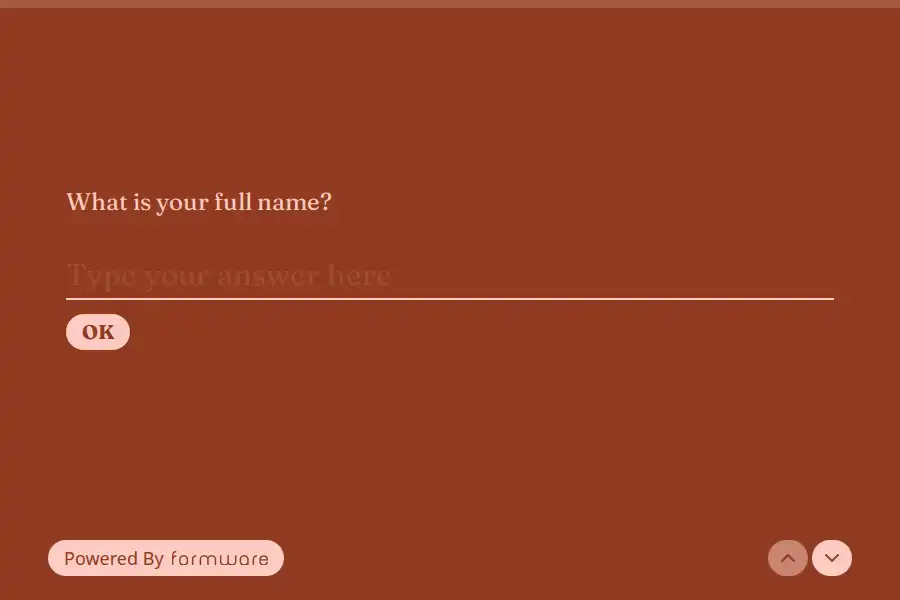
A WhatsApp RSVP form is a short web form you share into your WhatsApp status, the event’s group chat, or your Instagram story — guests tap the link and answer the only questions that matter: coming or not, how many, and anything you need to know (dietary requirements, plus-one names, song requests). Every answer lands as structured data in your dashboard, tallying itself while the group chat does what group chats do.
The group chat is where your guests already are — that’s exactly why RSVP-by-chat fails. Replies scatter (“yes!,” “probably 🤞,” “we’ll see”), plus-ones hide in follow-ups, and two weeks later you’re scrolling 200 messages to count 40 guests. The form keeps the channel and replaces the counting.
The group-chat mechanic, in one line: create the form, paste the link into the group or your status, and every guest’s response arrives privately and structured in your dashboard — no reply-counting, and guests can’t see each other’s answers. (The full walkthrough of forms in groups is in the WhatsApp form builder guide.)
What to Put in Your RSVP Form
- Guest name — contact field
- Attending? — yes/no — the field everything else hangs on
- Headcount & plus-ones — number field, or conditional logic revealing name fields for each plus-one
- Dietary requirements — long text or multiple choice (vegetarian / vegan / allergies — specify)
- Song requests / message to the hosts — one optional long-text field, because everyone has one
- Deadline nudge — mention the RSVP date in the form’s description itself
For weddings: one form per household, a question for which events they’re attending (mehndi / ceremony / reception — multiple choice with checkbox fields), and a separate RSVP link per side of the family if you’re tracking lists separately. All forms forward to the same WhatsApp number.
How to Set It Up (~5 Minutes)
- Build the form with the WhatsApp form builder — or start from a template below. Add your WhatsApp number so each RSVP pings your chat as it arrives.
- Share it three ways — the event group chat (paste the link with a one-line message), your WhatsApp status (resend it the week of the deadline), and your Instagram story.
- Print the QR code — a form QR code on the invitation card covers the guests who don’t live in the group chat (plus-ones, older relatives, the office crowd).
- Remind once. A single “RSVPs close Friday — link here 👇” into the group outperforms a week of individual chasing.
More WhatsApp Guides
- WhatsApp booking forms — for appointments and sessions rather than one-off events
- WhatsApp order forms — collecting meal orders and party platters
- Event registration templates — the wider template gallery for events
Comparing tools? See how Formware compares with WhatsForm and Collect.chat — the other builders built around WhatsApp.
Frequently Asked Questions
Can guests RSVP inside the WhatsApp group itself?
Not as structured data — chat replies are what you’d be counting by hand. Paste the form link into the group: guests answer in one tap, responses arrive privately in your dashboard (guests can’t see each other’s answers, which surprisingly increases honesty about plus-ones), and the tally maintains itself.
Can guests see who else has RSVP'd?
No — each guest sees only the form. If you want to share the guest list or a “who’s coming” update, that’s a message you send to the group on your terms.
How do I handle plus-ones and families?
A number field for total headcount is the simplest version. The cleaner version: conditional logic — “How many additional guests?” reveals that many name fields, so place cards and seating get real names instead of “+2.”
Can I collect RSVPs from people who aren't on WhatsApp?
Yes — the QR code on the physical invitation opens the same form in any phone’s browser. The form works for everyone; WhatsApp is just the fastest distribution channel.
Is it free?
Yes — unlimited forms and unlimited RSVPs with WhatsApp forwarding on the free plan. Free forms carry Formware branding; Pro ($29.99/mo) removes it and adds a custom domain (nice touch on a wedding microsite link).