What Is a WhatsApp Booking Form for Salons?
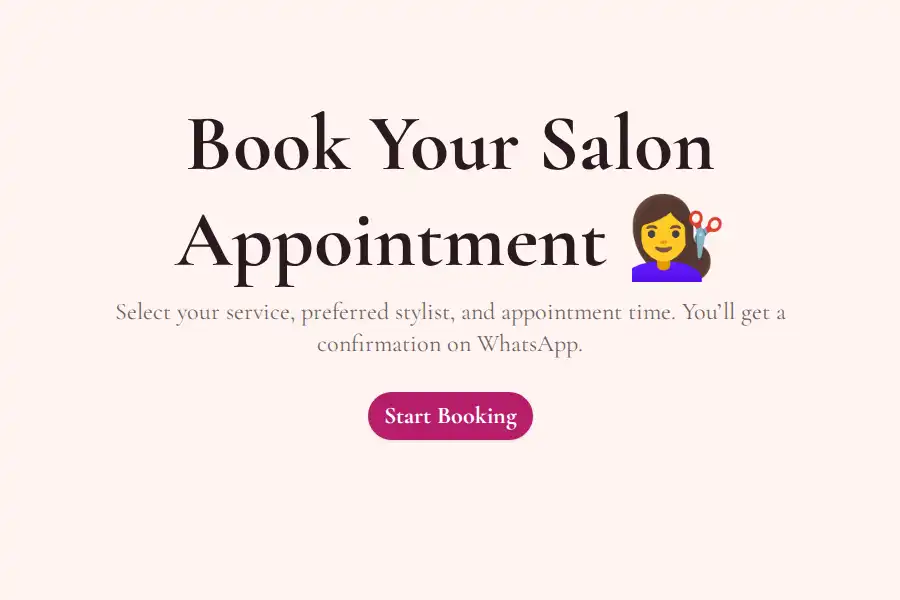
A WhatsApp booking form for salons is an online form your clients open from a link — Instagram bio, WhatsApp status, or a QR code at your station — that captures the booking as structured data: service, stylist, date, time, and contact details. The moment it’s submitted, the booking arrives in your WhatsApp as a message from the client’s own number, ready for you to confirm with one reply.
WhatsApp has no native booking feature — a chat message isn’t an appointment. The form sits in front of the chat: it collects the details once, properly, and the conversation happens after.
Why Salons Run on WhatsApp — and Why DMs Break
Beauty is a WhatsApp industry. Clients screenshot styles, ask “any slots Friday?”, and confirm appointments in chat. The problem isn’t the channel — it’s that a chat thread is a terrible booking system:
- Details arrive scattered. Service in one message, preferred day in another, the actual date never confirmed.
- You re-type everything into your calendar or notebook, and transcription errors become double bookings.
- DMs arrive while you’re mid-appointment — and a booking that waits three hours is often a client who booked elsewhere.
A WhatsApp form fixes the front half: the client taps through service → date → time in under a minute, and you receive a complete, structured booking with their number attached.
What to Put in Your Salon Booking Form
- Service — a dropdown or picture choice (picture choice works beautifully: clients tap the photo of the style)
- Stylist / artist — dropdown, if clients book with a specific person
- Preferred date — date field
- Time slot — dropdown of your actual available slots; offering slots as choices is the simplest way to prevent double bookings
- Name & phone number — contact fields, validated
- Notes — long text for “inspo,” allergies, or “bring my daughter along”
With conditional logic, one form can serve the whole menu: selecting Bridal makeup reveals a “wedding date & venue” field; Hair color reveals length and history questions. Clients only see what’s relevant to what they booked.
How to Set It Up (~5 Minutes)
- Build the form with the WhatsApp form builder — or start from a template below and swap in your services and slots. Add your WhatsApp number in the settings; full walkthrough in the WhatsApp forwarding guide.
- Share it everywhere clients already are — bio link, story link, WhatsApp status, and the WhatsApp widget if you have a website. Sharing options are covered in the share on WhatsApp guide.
- Print the QR code — a form QR code at the reception desk turns walk-ins into booked follow-ups.
- Confirm in the chat. Each booking arrives from the client’s number — reply to lock the slot.
More WhatsApp Guides for Service Businesses
- WhatsApp booking forms — the complete guide, including the time-slot trick that prevents double bookings
- WhatsApp lead capture — turn consultation inquiries into qualified leads
- WhatsApp forms for WordPress — embed your booking form on your salon’s website, no plugin
Comparing tools? See how Formware compares with WhatsForm and Collect.chat — the other builders built around WhatsApp.
Frequently Asked Questions
Can clients book appointments directly inside WhatsApp?
Not natively — WhatsApp offers polls and chats, not bookings. The standard setup is a form link shared in your bio or status: the client fills in service, date, and time in one tap, and the booking arrives in your WhatsApp for a one-reply confirmation.
How do I stop double bookings?
Offer your real available slots as dropdown options in the form, and update the list as slots fill. The full method is in the WhatsApp booking forms guide.
Do I need WhatsApp Business?
No. Formware works with your regular WhatsApp number — no Business API, no Meta verification, no per-message fees. It also works alongside the free WhatsApp Business app if you use one.
Is it free?
Yes — the free plan includes unlimited forms and unlimited bookings, with WhatsApp forwarding included. Free forms carry Formware branding; Pro ($29.99/mo) removes it and adds your own domain.