
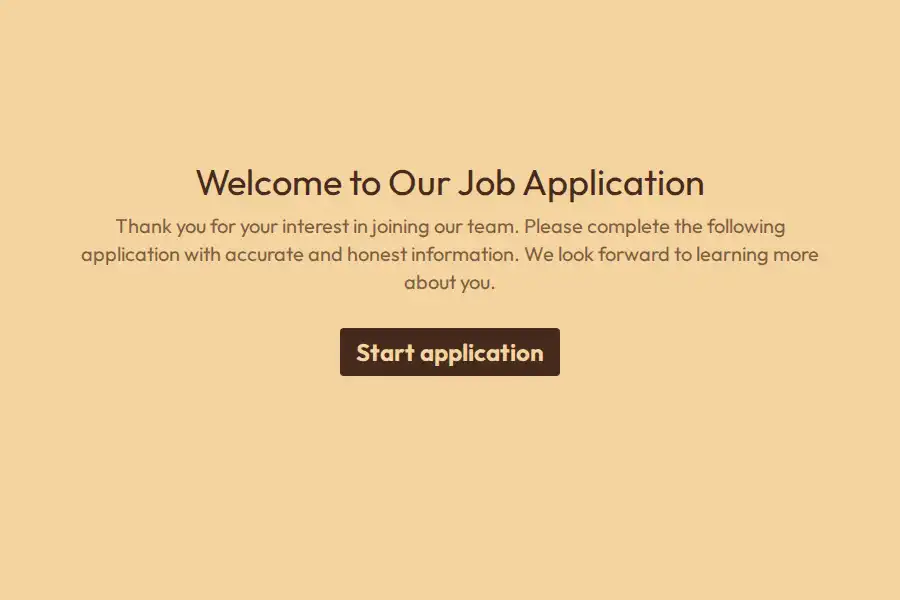

One Company, Twelve Hiring Managers, One Standard
The multi-site employer’s quiet failure: every location runs its own application, invented by whichever manager needed one first. Recruiting asks for a cross-site report and receives four spreadsheets with different column names. Franchise brands watch the customer experience stay on-brand while the hiring experience varies by postcode.
The standard application fixes the governance, not just the form: one master definition, regional adaptations, and candidate data that means the same thing everywhere.
What the Standard Holds
The master defines the untouchable core — the identity block, the experience question, eligibility, the document upload. These sections exist identically in every variant, because they are what makes records comparable. Anything role- or region-specific lives in branches: a question that appears only for warehouse roles, a section that appears only where local law requires a particular disclosure.
The test of a good standard: a candidate moving between two sites of the same company answers the same core questions twice — because the company decided once, centrally, what its application is.
Variants Without Chaos
Regional needs are real: languages, local disclosure requirements, different role mixes. The mechanism is duplicating the master into a regional copy, adjusting only what the region genuinely requires, and hidden fields tagging each variant’s link with its site or brand. The core stays byte-identical; the differences are deliberate and documented rather than accidental.
Who Guards the Standard
Governance needs a home. An organization structure puts the master under central ownership — typically the recruiting function — while site managers work from copies, with workspace access granted deliberately. Change requests flow one direction: toward the owner, who updates the master and propagates. Nobody invents a question at a store level ever again.
The Fairness Dividend
Identical questions produce comparable answers, and comparable answers produce defensible shortlists. Candidates stop being assessed against whichever template their local manager happened to like, and cross-site reporting stops being a reconciliation project. The wider consistency picture — roles, records, workforce data — sits in the employment collection and the human-resources category.
Frequently Asked Questions
One global form or regional variants?
A global core with regional branches. The core is what comparison requires; the branches are what local law and language require. The standard holds both together.
How do site managers request changes?
Through the owner — one intake, one decision, one propagation. The moment sites edit their own copies freely, the standard has dissolved.
Can franchises be required to use the central form?
Yes — publish the link centrally and treat it as brand infrastructure. A branded application on a custom domain reinforces the same consistency the franchise agreement asks for.
Doesn't a standard limit role-specific screening?
No — that is what branches are for. Role-specific questions appear for the roles that need them; the core stays constant underneath.