


Screen CDL Drivers Before Orientation Costs You Money
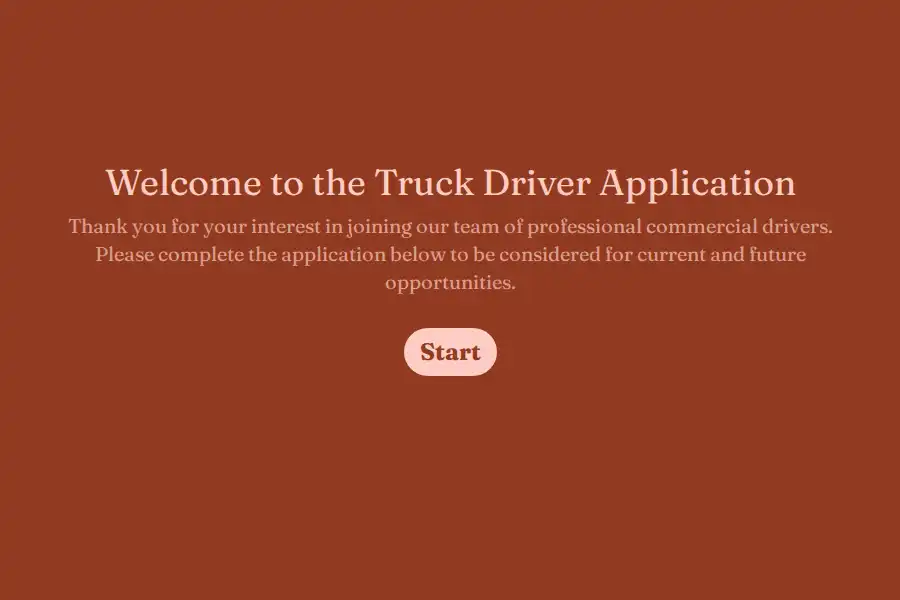
Every motor carrier knows the pain of a bad hire discovered late: orientation completed, bus ticket purchased, physical done — and then the file review turns up a violation that ends the placement. This truck driver application template moves the disqualifying details to the front, so your safety team pre-qualifies drivers on paper before spending a dollar onboarding them.
Start With the CDL Facts That Decide Eligibility
- License class: Class A or Class B captured through multiple choice options matching your equipment.
- Endorsements: tanker, hazmat, doubles and triples — the credentials that determine which freight a driver can legally pull.
- CDL expiry date, logged with a date field so recruiters spot credentials close to lapsing.
- Total commercial experience recorded as a numeric field, in years or months, giving your recruiters a hard sorting criterion.
Match Equipment and Route Preferences Early
A driver who refuses regional runs will not stay for the sign-on bonus. Capture the equipment they have actually operated — dry van, reefer, flatbed, tanker — alongside route preference: over the road, regional, or dedicated local. Asking about home time expectations now is cheaper than a mid-probation resignation later.
Build the Safety Record Into the Application
Carrier hiring lives and dies by documentation. The template asks via yes or no questions whether the applicant has been involved in accidents or issued moving violations during the past three years, with a follow-up field for specifics. Applicants attach their motor vehicle record or resume through file upload, giving your safety team the raw material for a defensible driver qualification file.
Run Recruiting Like a Carrier, Not a Desk Job
- Publish the application on a custom domain like drive.yourcarrier.com — a branded careers page that fits on a decal or a truck-stop flyer.
- Share the direct link in driver groups, terminals, and referral texts.
- Tag every source with hidden fields to see which boards and terminals produce drivers who actually finish orientation.
- When a driver class fills, close the form in one click instead of editing job posts everywhere.
- Drivers completing the app from a cab or a dock can pause and resume — partial submissions keep whatever was already entered.
- Push qualified applicants into your onboarding stack automatically via webhooks.
Compare notes with the broader employment templates or pair this with file-heavy intake formats when documents dominate your workflow.
Frequently Asked Questions
What is a truck driver application form?
A commercial driving application structured around carrier needs: CDL class, endorsements, equipment background, route preference, and a three-year accident and violation record, collected before any orientation investment.
Does this form satisfy FMCSA driver qualification requirements?
It collects the application-side data — licensing, experience, and safety disclosures — that feeds a DQ file. A complete qualification file also requires items like verified employment history and road test certification, so treat the form as the structured starting point your safety team builds from.
Why ask about endorsements during the application?
Endorsements determine freight eligibility. A driver without tanker or hazmat credentials cannot cover certain loads regardless of experience, so recruiters need that answer before matching applicants to openings.
Can drivers apply from a phone at a dock or truck stop?
Yes — and they frequently do. The application is fully mobile-friendly, and partial submissions preserve progress if a driver is interrupted mid-application and returns later.
How do we stop accepting applications when a class fills?
Close the form with one action once your orientation seats are committed. Reopening it for the next recruiting cycle takes the same single step.