
Community Survey Form Template
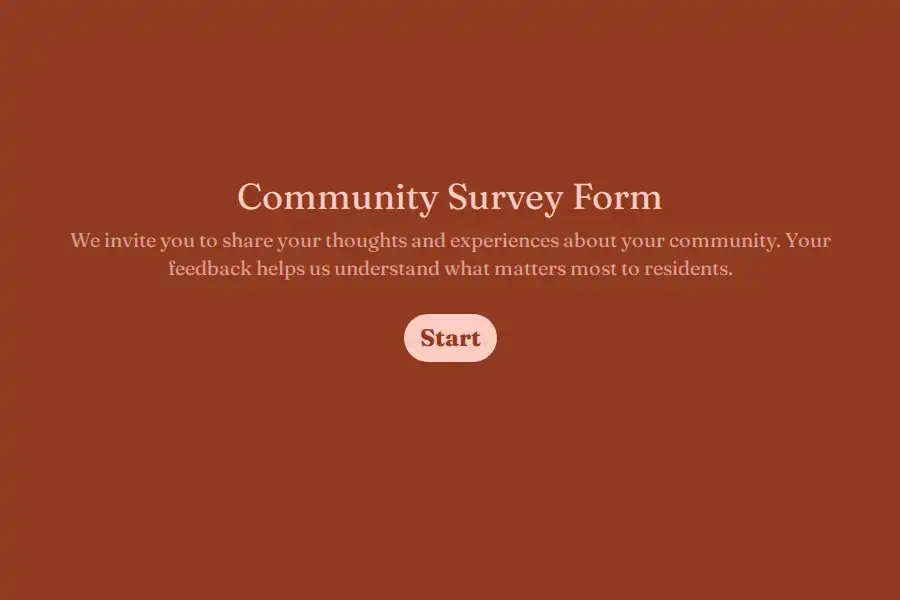
Effective local planning relies on hearing from a broad, representative sample of residents. When community surveys are overly complex or difficult to complete on mobile devices, participation rates drop, and decisions are often guided by only a small, vocal group of people. This community survey form template provides municipal planners, neighborhood associations, and non-profits with a clean, structured way to collect resident feedback.
Using a simple, mobile-ready survey makes sharing opinions approachable for all residents, helping your organization gather reliable data to guide future projects and community investments.
Key Resident Priorities and Demographics Captured
To help community leaders build a clear, data-driven map of local needs, this template captures both demographic context and neighborhood-specific feedback:
- Resident Identity and Area: Collects the participant’s full name, email, current neighborhood, and community tenure to help analyze responses by geographic area and experience level.
- Community Satisfaction: Uses a clear rating scale to evaluate the resident’s overall experience living in the community.
- Topic and Initiatives Priority: Helps residents identify which community topics (such as public spaces, transit, or safety) matter most to them, and evaluates how connected they feel to the community.
- Feedback and Local Events: Uses a deep-dive field to capture suggested improvements, and tracks previous participation in local events over the last 12 months.
- Recommendation Likelihood: Includes a Net Promoter Score (NPS) question to measure how likely residents are to recommend their community as a great place to live.
Best Practices for Distributing Local Surveys
To capture a diverse range of perspectives, distribute your community survey across multiple channels. Share the link in local newsletters, post a QR code in common areas like libraries or neighborhood centers, and highlight the survey at community meetings.
To build trust and encourage honest answers, clarify whether responses will be shared publicly or kept anonymous. When residents know their voices are heard and can see how their feedback shapes local decisions, they are far more likely to participate in future initiatives.
Turning Community Feedback into Actionable Plans
Once residents have submitted their responses, compile the data to identify key regional trends. If a specific neighborhood flags safety or maintenance concerns, planners can prioritize funding and resources for those areas. Sharing a summary of the survey results and planned improvements with the public helps show that community feedback leads directly to positive local changes.
Frequently Asked Questions
Who should use a community survey form?
This template is designed for municipal planners, local government units, neighborhood associations, non-profits, and school boards looking to gather feedback from residents to help guide local decisions and budgets.
Can the survey be completed anonymously?
Yes. You can customize the form to make the name and email fields optional, or remove them entirely, which can help residents feel more comfortable sharing candid opinions about their neighborhood.
How do we reach community members who aren't online?
Print a QR code linking to the survey on flyers or mailers, and display it at community spaces. You can also set up a tablet or computer station at local libraries or neighborhood centers to help residents respond.
What is the best way to share survey results back with residents?
Publish a brief summary newsletter, share key findings on community social media pages, or present the results at a public meeting. Outlining the specific steps you plan to take based on resident feedback helps build trust.