
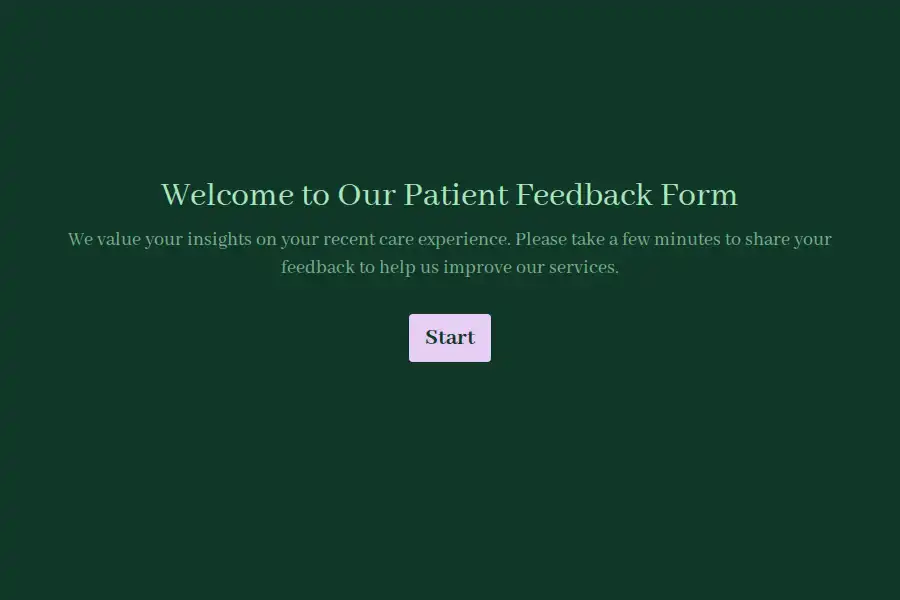



Patient Feedback Form Template
Patient experience is a core pillar of high-quality healthcare, directly influencing retention, compliance, and clinical outcomes. However, obtaining honest feedback during or immediately after an appointment can be challenging. Patients are often hesitant to discuss operational shortcomings in person, and traditional paper feedback cards are frequently ignored.
An online patient feedback form provides a confidential, structured space for patients to share their clinical and administrative experiences. This template captures details across every touchpoint, from scheduling an appointment to checking out of the clinic.
Critical Areas of Patient Experience Evaluated
To pinpoint operational bottlenecks, healthcare administrators need a comprehensive view of the patient’s journey. This template segments the feedback process into specific areas of assessment:
- Administrative Efficiency: Evaluates patient satisfaction with the initial scheduling process and the overall waiting room stay.
- Clinical Communication: Measures how clearly providers explained conditions, treatment choices, and whether the patient felt actively listened to during their consultation.
- Professionalism & Environment: Scores staff courtesy, physical facility cleanliness, and comfort standards.
- Qualitative Feedback: Deep-dive text sections prompt patients to highlight what went well and identify specific areas that could be improved in future visits.
- Net Promoter Score (NPS): A standard recommendation scale to track general satisfaction and loyalty trends over time.
Deploying Feedback Channels Effectively
Timing directly impacts response rates and the accuracy of patient feedback. Standardizing when and how you distribute the form can improve both the volume and quality of submissions:
- Automated Post-Visit Follow-Up: Use integrations to trigger a link via text message or email within a few hours of the patient’s checkout.
- Waiting Room QR Codes: Display visible signs or cards at the exit desk, allowing patients to complete the survey on their mobile devices before leaving the facility.
- Anonymous Submission Options: Let patients submit feedback without disclosing their identity to encourage transparent and candid critiques.
Handling Negative Patient Feedback
Negative feedback should be treated as a valuable operational signal rather than a setback. When a patient reports an unsatisfactory experience, establish a clear triage protocol. This template includes conditional follow-up questions asking if the patient wants someone from the practice to reach out, along with a secure field to capture their email address. Assign a dedicated patient coordinator to review these submissions daily and contact patients within 48 hours to resolve administrative concerns.
Frequently Asked Questions
What is a patient feedback form?
A patient feedback form is a tool used by medical practices and hospital departments to collect structured responses regarding a patient’s care experience, covering administration, wait times, provider bedside manner, and facilities.
How soon after an appointment should I send the form?
For the best response rates and highest data accuracy, send the feedback form within 2 to 24 hours of checkout, while the details of the visit are fresh in the patient’s mind.
Should patient feedback be collected anonymously?
Offering an anonymous option typically increases response rates and yields more candid feedback. However, providing a voluntary follow-up contact option is helpful for patients who want their specific concerns addressed by clinic leadership.
What metrics are most important for medical practices to track?
Key metrics include patient ratings of provider communication clarity, administrative wait times, overall staff helpfulness, facility cleanliness, and the likelihood of recommendation (NPS).