

Licensing Intake That Arrives Complete
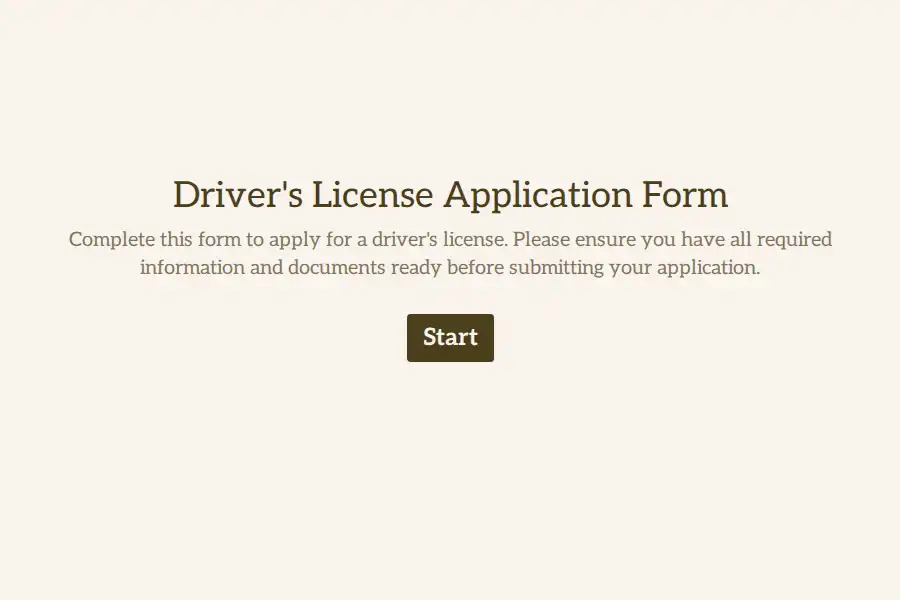
Every incomplete license application costs an agency the same thing: a follow-up letter, a second counter visit, and a file that sits in the queue doing nothing. This driver’s license application template structures the intake so submissions arrive ready for review — identity confirmed, purpose declared, class selected, and supporting documents attached before the applicant presses submit.
Transport authorities, municipal licensing offices, driving schools, and corporate fleet programs can all run this flow as-is or adapt it to local requirements.
Declare Purpose, Then Route Accordingly
The fastest processing bottleneck to remove is ambiguity about what the applicant actually wants. The template opens with identity basics through a contact information field, then asks the applicant to declare their purpose: a first-time license, a renewal, a replacement for a lost card, or an address update. Each path can carry different downstream requirements, and your staff can filter the response view by purpose to work one queue at a time.
Capture the Details Verifiers Actually Check
- Full legal name and date of birth, recorded with a structured date field.
- Current residential address through a dedicated address field, with unit number and postal code captured separately.
- The license class requested, so your team can schedule the correct knowledge or road test on the first pass.
- Any prior license or permit number and its issuing jurisdiction, where applicable.
Documents Attached, Not Mailed Later
The verification step lives or dies on paperwork. A file upload question lets applicants attach scans or photos of government-issued ID, proof of residency, and any required medical clearance from their phone — no counter drop-off required. Set the uploads as required fields and a submission cannot exist without its evidence attached.
Close the File With a Certified Declaration
Every licensing file ends the same way: the applicant certifies the information is true. A legal consent question captures that signed acknowledgement digitally, timestamped with the submission.
Confirmations That Reduce Counter Traffic
Applicants who know what happens next stop calling. Close the flow with a custom thank-you page stating processing times and next steps, and send an automated confirmation email containing a copy of their answers. A progress bar keeps longer applications feeling manageable, and embedding the form in your existing portal keeps the experience inside your website. Completed files can flow into your records system through webhooks.
For adjacent intake formats, browse the registration templates and the general forms library.
Frequently Asked Questions
Who uses a driver's license application form?
Licensing agencies, municipal offices, driving schools managing student enrollment-to-exam pipelines, and corporate fleet safety programs that maintain internal license records all use this format.
How does the template prevent incomplete submissions?
Critical fields — identity, purpose, class, and document uploads — can all be set as required. The form refuses to submit until every mandatory item is present, which is what eliminates the follow-up loop.
Can applicants get a copy of their submission?
Yes. Automated confirmation emails deliver a summary of the submitted details to the applicant’s inbox, giving them a personal record of what they filed and when.
How do we separate renewals from first-time applications?
The purpose field captures that distinction at the start. Filter submissions by purpose in the response view and process each category through its own workflow without manual sorting.
Does the form work inside an existing government or school portal?
Yes. The form can be embedded directly into your current website or portal, so applicants never feel like they have left your official environment.