
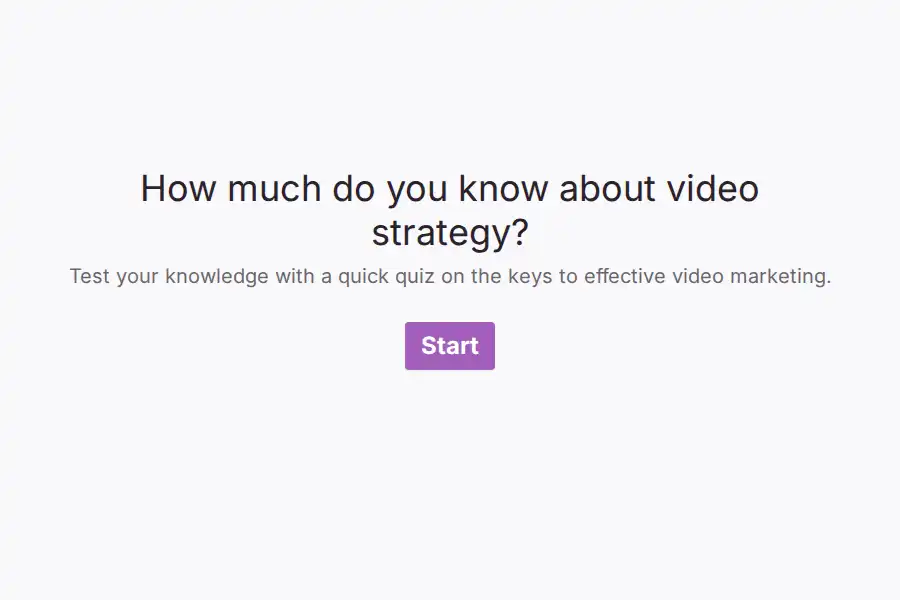

Video Quiz Form Template
Static learning materials can make online instruction feel passive. This video quiz template bridges that gap by letting teachers, corporate trainers, and course creators pair instructional video content with immediate comprehension checks. By testing concepts right after the viewer watches them, you reinforce retention and identify which parts of your lesson might require further review.
This form turns basic video viewing into an active learning tool that gathers quantitative and qualitative student insights.
Structural Elements of the Video Assessment
The template is designed to structure the learner’s journey from direct instruction to open feedback:
- Media Introduction: Features an introductory statement field perfect for embedding video tutorials or overview clips.
- Core Comprehension Checking: Tests key concepts covered in the video through multiple-choice questions, specifically checking engagement metrics, media advantages, and effective call-to-actions.
- Audience Preference Tracking: Logs how often viewers analyze performance metrics or run campaigns using targeted multiple-choice inquiries.
- Interactive Engagement Questions: Asks participants what makes video quizzes more engaging than static questionnaires, assessing their digital learning preferences.
- Project Planning & Details: Features short-text and deep-dive fields where users can outline what kind of video projects they want to build next and describe their ideal goals.
Effective Applications for Creators and Classrooms
This template fits seamlessly into modern learning and marketing systems:
- Flipped Classroom Activities: Assign the form as homework so students watch a science or history video and complete their comprehension check before stepping into the classroom.
- Marketing Agency Onboarding: Educate prospective clients with a quick case-study video, then gather their project details and goals through the deep-dive fields.
- Employee Training Modules: Verify compliance or safety training completion by hosting training videos paired with mandatory understanding checks.
Best Practices for Video-Based Assessments
To achieve high completion rates, keep your embedded videos concise—ideally under ten minutes. Structure your quiz questions to follow the chronological flow of the video so students can easily follow along. Using a one-question-at-a-time layout ensures that users remain focused on their mobile devices or laptops without feeling overwhelmed by a long list of questions.
Frequently Asked Questions
How does a video quiz differ from a standard form?
It combines instruction and evaluation into a single digital space. This prevents students from having to jump between video platforms and separate quiz documents.
Can I embed videos from platforms other than YouTube?
Yes. The media fields can be customized to support standard video links or embedded player codes from Vimeo, Loom, or your private learning platform.
What are the short-text and deep-dive fields used for?
These fields collect open-ended qualitative feedback, allowing students to explain complex ideas or describe their personal projects in their own words.
How can I track who has completed the video assessment?
You can easily add standard contact fields (such as name and email) at the beginning of the form to connect every quiz score with a specific student or employee.