
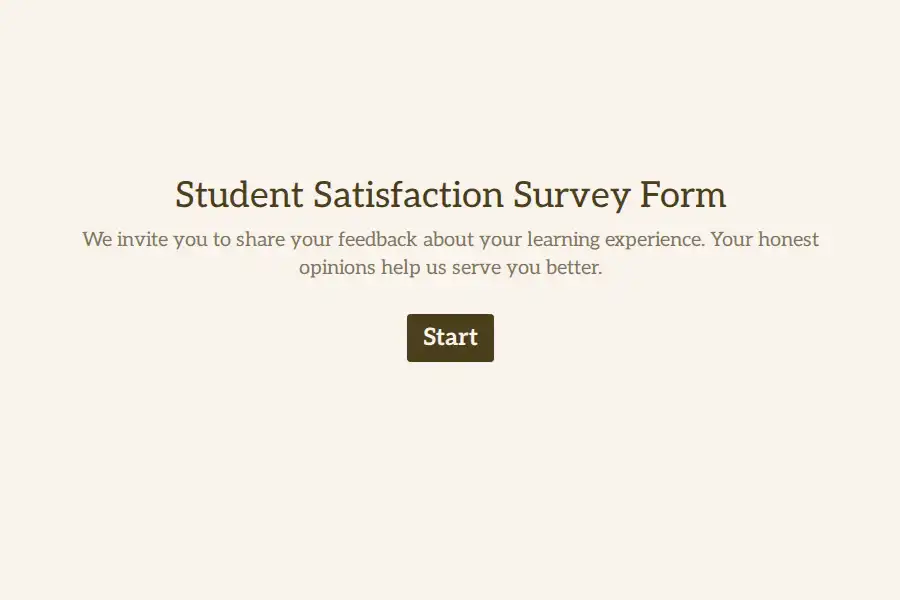
Student Satisfaction Survey Form Template
Understanding how students experience your educational institution requires more than a generic questionnaire. This Formware template provides a purpose-built, structured form designed to capture actionable academic feedback. By moving beyond simple end-of-term evaluations, this template helps administrators identify specific friction points—such as inadequate digital resources or advising bottlenecks—before they impact retention rates.
Inside This Formware Template
This pre-built form is organized into logical sections, utilizing a mix of Formware’s native field types to balance quantitative tracking with qualitative context:
- Student Identification Block: Uses dropdown menus and single-select fields for enrollment status, academic college, and year of study. This allows for quick filtering in your Formware dashboard without requiring sensitive personally identifiable information (PII).
- Core Sentiment Scoring: Features a dedicated Net Promoter Score (NPS) field and a 5-point overall satisfaction scale to establish a baseline metric for institutional health.
- Multi-Touchpoint Rating Grid: Implements a matrix-style rating scale to evaluate distinct campus elements side-by-side, including course relevance, instructor accessibility, campus facilities, and technological infrastructure.
- Workload & Stress Assessment: A custom opinion scale specifically asking students to gauge the manageability of their current course load.
- Narrative Feedback Fields: Long-text form fields positioned at the end of the survey to capture detailed suggestions, favorite experiences, and open-ended improvement ideas.
Applying Form Data to Accreditation Requirements
Regional and national accreditation bodies frequently require documented evidence of continuous improvement driven by student feedback. Because this Formware template standardizes the questions and response formats, you can easily export year-over-year data. This creates a clean, longitudinal paper trail demonstrating that your institution actively monitors student satisfaction and uses those metrics to guide strategic funding or curriculum updates.
Optimizing the Form for Higher Completion Rates
To prevent survey fatigue, this template is designed to take under five minutes. You can further optimize completion rates by enabling Formware’s progress bar feature and utilizing conditional logic—for example, only showing questions about campus housing to students who select “On-Campus” in the demographics section.
Frequently Asked Questions
How do I make this form completely anonymous in Formware?
While this template includes identification fields for segmentation, you can achieve full anonymity by deleting those specific fields or navigating to the form settings and disabling response tracking and email collection.
Can I add conditional logic based on a student's major?
Yes. You can use Formware’s logic jumps to route students to specific question blocks. For example, if a student selects “Engineering” as their college, you can automatically display a set of questions tailored strictly to the engineering labs and faculty.
What is the best way to export this data for our board meeting?
Formware allows you to export survey results directly to CSV or Excel. Because the template uses standardized rating scales, your analytics team can quickly pivot the data to create visual charts for board presentations without needing extensive data cleaning.