
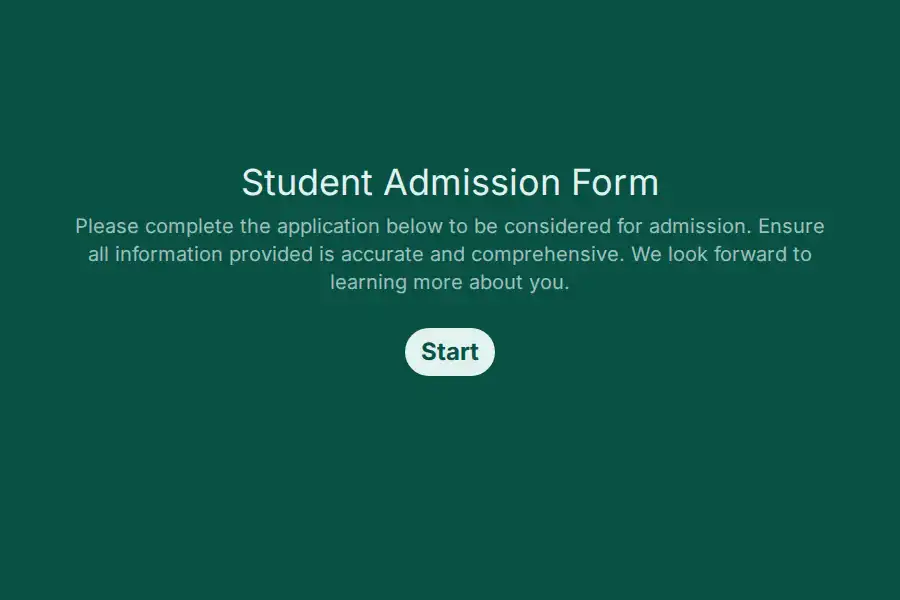

Student Admission Form
Career colleges do not admit eighteen-year-olds with spring essays. They admit career-changers at nine on a Tuesday night — nine months after a layoff, between dinner and a shift, comparing three training providers in as many evenings. That applicant does not experience your admissions process as a cycle or a committee; they experience it as a response time. Whoever calls back first with something substantive usually wins the enrollment, and everyone else was a conversation that went cold.
This student admission form is built for that applicant and that arithmetic: rolling intake, work experience ahead of grade history, a start-date question that converts someday into a plan, and speed infrastructure that turns a nine-p.m. form submission into a nine-a.m. phone call.
Work History Before Grade History
For a thirty-four-year-old switching industries, the predictive field is not GPA — it is the long text question asking what they have done that relates to where they are going. Work experience does the forecasting; academic history still gets a field, but as context rather than gatekeeper. The distinction matters operationally too: adults frequently cannot locate a decade-old transcript, and demanding one upfront is how programs lose ready applicants over paperwork nobody needed.
The Start-Date Question That Changes Everything
Rolling admissions live on flexible starts, and the intake question that matters most is the one that pins intention to a date: which upcoming cohort? A dropdown of your actual intake dates converts someday-interest into a concrete, follow-uppable plan — and it silently sorts your pipeline. An applicant with a chosen date is a conversation this week; an applicant still browsing dates is a nurture sequence, not a sales call. Same form, two different follow-up tracks, sorted automatically by one answer.
Funding Appetite, Surfaced Gently
Most career-college applicants need payment options, and unspoken funding anxiety is the silent killer of enrollments that seemed certain. An optional funding-interest question lets your financial team join the conversation early — often the difference between an applicant who enrolls and one who hesitates silently until they stop answering. Optional is the key: raising the topic without forcing the disclosure respects the applicant and still routes the ones who want help.
The Phone Number That Is Actually Theirs
Adults convert on calls, not emails — which makes a validated phone field, collected early, the most valuable field on the page. Everything else in the form serves the goal of earning that call: enough qualification signal to make the conversation substantive, few enough barriers that the applicant is still there to receive it.
Speed Wins Rolling Admissions
The applicant comparing three providers tonight enrolls at whichever one calls back tomorrow morning. That arithmetic makes follow-up infrastructure a revenue tool rather than an administrative nicety: new submissions ping your admissions team instantly via self notifications, and partial submission capture preserves the night-browser who stalled on the funding question — name and number intact for a morning callback they did not have to request. The whole discipline is the one described in the lead generation use case, and adjacent career-focused formats live under the lead generation templates category.
Frequently Asked Questions
How is rolling admissions different from application cycles?
No deadlines, no cohorts waiting in suspense — applicants start when ready and you enroll continuously. That changes the form’s job entirely: instead of managing dates and completeness for review, it qualifies and speed-routes leads. Design for response time, not for committee season.
Should we require transcripts from adult applicants?
Rarely, and only where accreditation demands it. For most career programs, experience and intent predict outcomes better than a ten-year-old transcript nobody can find. Request academic records at the stage they genuinely matter — often after enrollment, not before it.
What signals identify serious adult applicants?
Three, in combination: a chosen intake date, expressed funding interest, and a clear statement of the career they are moving toward. All three present means call today; none present means a nurture sequence. Treating every inquiry as hot burns your team out and annoys applicants who are genuinely still deciding.
How fast should admissions respond to a new applicant?
Within business hours — ideally within two. Adult applicants comparison-shop in concentrated bursts, and the first substantive callback usually wins the enrollment before competitors have opened the file. Overnight submissions and partial captures are tomorrow morning’s call list, ranked and ready.
How do we ask about funding without applying pressure?
Make it optional, frame it as help: many students use payment plans — would options be useful? Applicants who want the conversation accept it gratefully; applicants who do not skip the question and feel no push. The data arrives either way, and nobody feels sold to.