
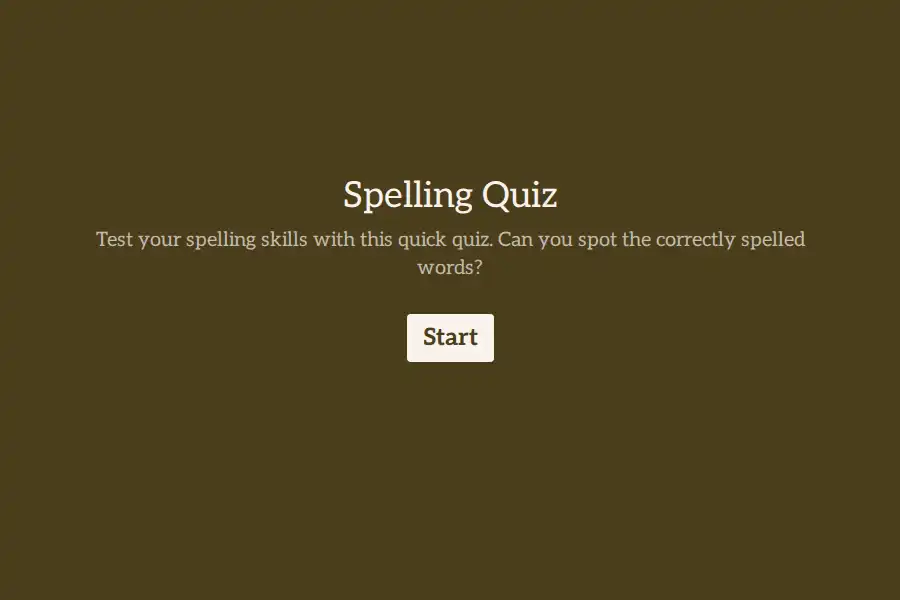

Spelling Quiz Form Template
Developing strong language skills requires regular, accessible evaluations that can be conducted quickly. This spelling quiz template provides language arts teachers, homeschooling instructors, and corporate proofreading evaluators with a digital vocabulary assessment.
By moving spelling checks to a digital format, you save grading time, avoid illegible handwriting challenges, and gather structured data on common spelling errors across your entire class or team.
Structure of the Language Evaluation
The template is built around progressive evaluation fields designed to test word structure recognition:
- Spelling Proficiency Checks: Includes ten distinct multiple-choice questions asking participants to identify the correctly spelled word among common misspellings.
- Difficulty Calibration: Concludes with a rating question that asks the respondent to grade how challenging they found the quiz, providing you with feedback on whether the word selection was appropriate for their skill level.
Creative Ways to Use This Quiz
Apply this template to different learning environments to enhance vocabulary retention:
- Weekly Vocabulary Checks: Use the form for standard classroom testing, sending the link to students on Friday mornings to evaluate their spelling progress.
- Professional Proofing Assessments: Incorporate the quiz into hiring workflows for copywriters, editors, or administrative assistants to confirm attention to written detail.
- Language Learning (ESL) Practice: Help non-native English speakers master difficult spelling rules by hosting the quiz as a self-study drill on your tutoring portal.
Tips for Creating Better Spelling Tests
To keep students focused, present the quiz in a clean, distraction-free interface. Because spelling relies heavily on phonetics, consider updating your question descriptions to include contextual sentences or dictionary definitions for each target word. This helps clarify homophones (such as “there”, “their”, and “they’re”) and tests vocabulary comprehension alongside spelling accuracy.
Frequently Asked Questions
Can I change the words in the spelling quiz?
Yes. You can easily edit any of the ten multiple-choice fields to replace the default words with your weekly vocabulary list or specialized industry terms.
Why does the quiz collect a difficulty rating?
Gathering feedback on how challenging the test was helps instructors calibrate future word lists, ensuring assessments remain encouraging yet educational.
How can I prevent cheating during an online spelling test?
While simple quizzes are great for low-stakes practice, for formal grading, consider administering the quiz in a supervised computer lab setting or using browser-locking school software.
Is this spelling quiz template accessible on mobile devices?
Yes. The template is fully responsive, allowing students to easily select their multiple-choice answers from smartphones, tablets, or classroom Chromebooks.