
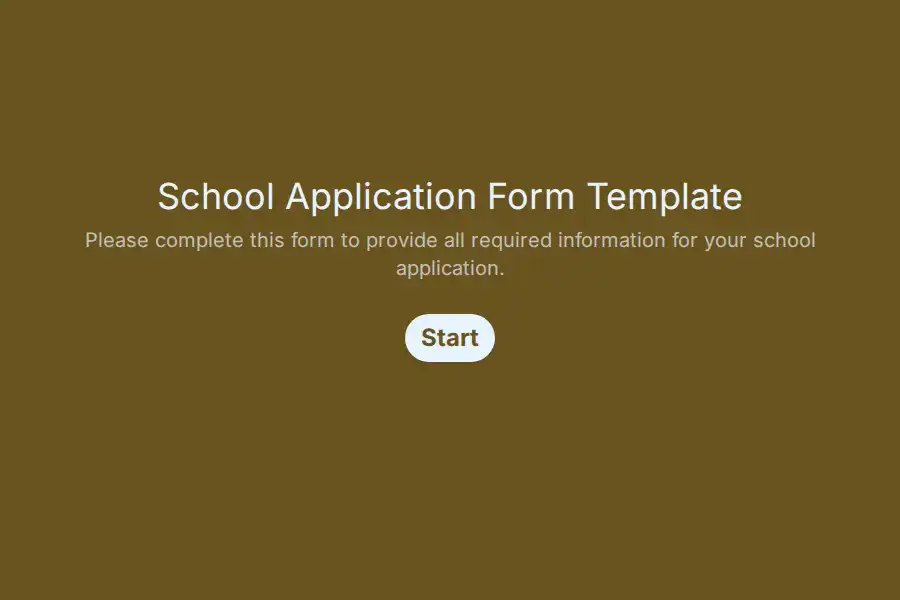

School Application Form Template
Applying to a school is often a family’s first formal interaction with your community, and it shapes how they perceive everything that follows. When that first touchpoint is a photocopied packet or a thread of email attachments, promising prospects quietly abandon the process. This template turns the first step into a guided, welcoming intake — structured so interested families submit exactly what your front office needs, without a single follow-up call.
Prospect Details Captured Up Front
- Student Profile: Legal name, preferred name, date of birth, and home address establish the applicant’s identity from day one.
- Guardian Channels: Each primary contact provides a relationship type, email address, and direct phone line, so invitations and updates always reach someone who can act on them.
- Household Context: An optional second-guardian block accommodates co-parenting arrangements, and a “siblings currently enrolled” field surfaces existing connections your team may wish to prioritize.
Placement Choices and Program Interests
Structured selectors route every submission to the correct academic division on arrival:
- Target Entry Point: Intended grade level and desired start term appear as dropdowns you control, so submissions organize themselves into upcoming cohorts without manual sorting.
- Curricular Passions: Families flag interests such as world languages, performing arts, STEM tracks, or competitive athletics, giving counselors material for early conversations.
- Support Indicators: An optional field invites disclosure of accommodations or learning-support needs, letting specialists prepare before a family ever visits.
Giving Students a Voice
A generous free-text block invites applicants to describe goals, hobbies, and hopes in their own words — content reviewers genuinely enjoy reading. Alongside it, a “How did you hear about us?” selector feeds your marketing reporting, and an optional photo or portfolio attachment lets younger applicants share something they’re proud of.
Frequently Asked Questions
Can one family apply for several children?
Yes. Either submit separately per child or extend the layout into a repeating child block — submissions still share a guardian email, so correspondence consolidates under one family record.
Will busy parents abandon the form partway through?
Enable save-and-resume so families can park an unfinished session, gather documents at home, and return from any device exactly where they stopped.
Can we ask different questions depending on the entry point?
Branch the intake so early-elementary entrants receive simple introductory prompts while older applicants answer subject-preference and activity questions suited to their age.
Does this fit into admissions marketing campaigns?
Naturally. Referral-source tracking plus UTM capture on embedded pages reveals which channels generate completed submissions, not just traffic.