
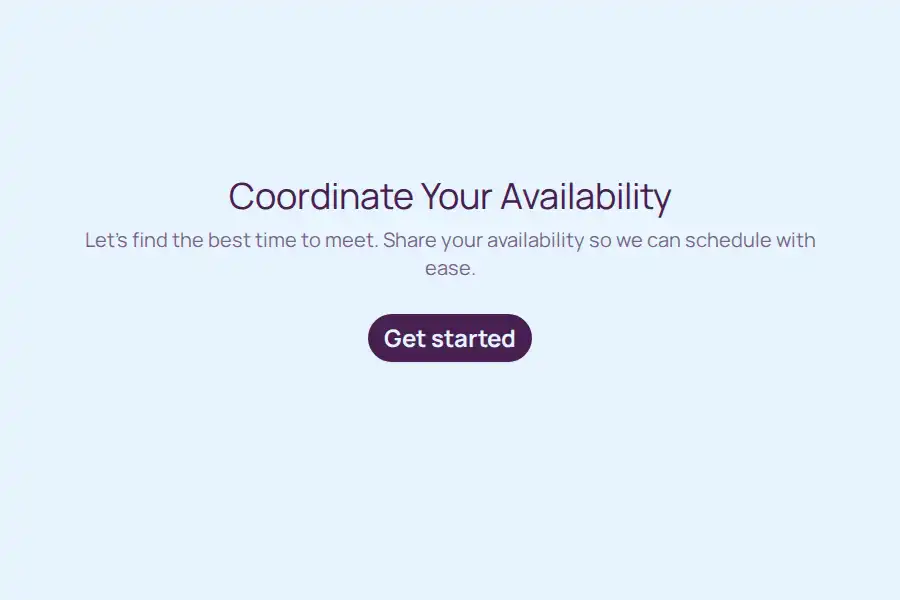

Scheduling Poll Form Template
Finding a meeting time that works for everyone often leads to cluttered email threads, missed messages, and scheduling conflicts. A dedicated scheduling poll simplifies this process by allowing participants to vote on proposed dates and times, centralizing everyone’s availability in one place.
This template provides a clear, single-page layout that participants can complete quickly. By gathering structured availability up front, meeting organizers can identify the optimal time slot without the back-and-forth communication.
Practical Use Cases for Group Scheduling
Group scheduling polls are particularly effective for scenarios involving multiple stakeholders with independent calendars:
- Cross-Functional Team Alignments: Coordinating syncs between departments with differing schedules.
- Client Kickoff Meetings: Offering prospective or onboarding clients a structured set of options to establish initial project calls.
- Committee or Board Meetings: Gathering availability from external board members or volunteer committees who do not share a digital calendar network.
- Academic or Training Seminars: Finding the best time slot for study groups, guest lectures, or professional development sessions.
Key Information Captured by the Template
Rather than just asking ‘when are you free,’ this form collects specific parameters to help organizers make informed scheduling decisions:
- Meeting Context: Details on what is being scheduled and the underlying purpose of the meeting, ensuring all participants understand the scope.
- Availability Preferences: Specific date options and general time-of-day preferences (such as morning, afternoon, or evening) to accommodate different working styles.
- Time Zone Tracking: A dedicated dropdown to identify the participant’s time zone, preventing calculation errors for distributed teams.
- Attendance Method: Choice of how to attend (such as virtual, in-person, or hybrid) to help plan room bookings or video conference links.
- Contact Details: Full name, email address, and phone number fields to facilitate the final calendar invitation and follow-up updates.
How to Run an Efficient Scheduling Process
To maximize the response rate and quickly finalize your meeting time, consider the following workflow:
- Limit the Choices: Offer between three and five distinct date options. Too many choices can overwhelm respondents and delay the decision.
- Set a Deadline: State clearly in your invitation when the poll will close. This encourages prompt responses and allows you to secure the chosen time slot on calendars before it gets booked.
- Account for Travel or Prep Time: Use the feedback collected about the meeting format to allocate buffer time if physical travel or platform setup is required.
- Confirm the Outcome Promptly: Once the optimal time is selected, use the collected email addresses to send a calendar invite immediately, locking in the slot for all participants.
Frequently Asked Questions
What is a scheduling poll?
A scheduling poll is a structured form sent to meeting participants containing several proposed dates and times. Respondents indicate their availability for each option, allowing the organizer to see at a glance which time slot works best for the group.
How does this poll handle different time zones?
The template includes a dedicated dropdown question asking respondents for their time zone. This allows meeting organizers to compare availability accurately, even when coordinating across regional or international borders.
Can I use this form for virtual and in-person hybrid meetings?
Yes. The form features a question regarding how participants would like to attend. This helps organizers decide whether to book a physical meeting room, set up a virtual conference link, or coordinate a hybrid setup to accommodate both preferences.
How many date options should I include in the poll?
It is generally best to offer three to five realistic date and time options. Providing too many choices can lead to indecision, while providing too few may result in no overlapping availability.