
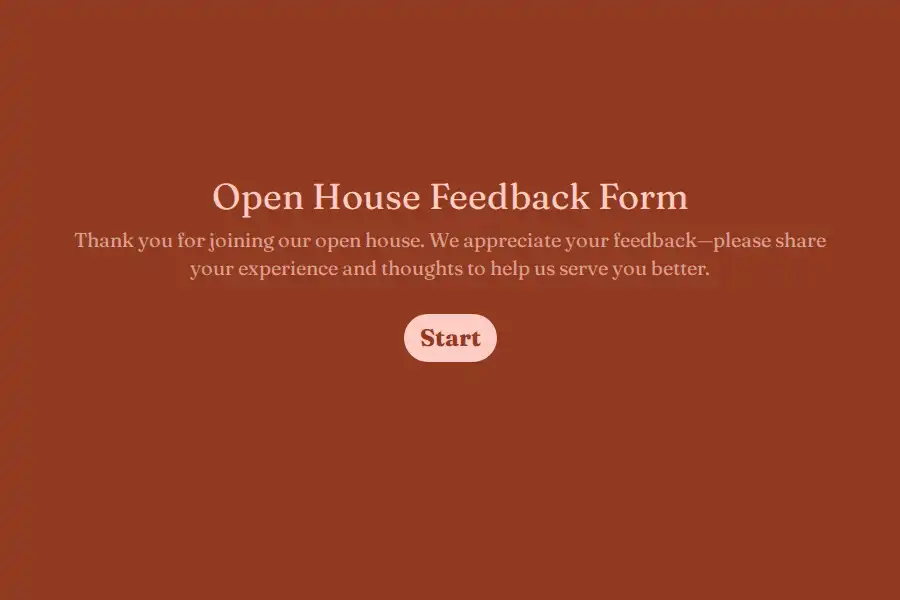
Open House Feedback Form Template
Every open house has the same scene: buyers drift through, compliment the staging, take a flyer, and leave. And forty-five minutes later, in the car, they say what they actually think — “priced high for that street,” “the third bedroom is tiny,” “we’d need to redo the kitchen.” The listing agent hears the polite version; the useful version drives away in someone else’s car.
This open house feedback form template closes that gap. A QR code at the door sends visitors to a sixty-second mobile form that captures their honest read — on price, on presentation, on deal-breakers — while their impressions are still fresh, along with an invitation to hear about the property again. The result is two assets from every showing: market evidence for the seller conversation, and consented buyer contacts for your pipeline.
The Questions That Earn Their Sixty Seconds
- Price perception — the centerpiece. The single most valuable data point at any open house is what buyers privately think of the asking price. A multiple choice question with perception bands — strong value, fair, ambitious, well above the street — converts whispered opinions into countable data.
- What drew them in. A feature checklist (kitchen, yard, layout, light, location) shows the seller which assets the marketing should lead with.
- What almost stopped them. An open long text prompt for concerns — the layout quirk, the street noise, the roof age. One visitor’s note is an anecdote; five visitors naming the same thing is an action item.
- Listing versus reality. A yes/no question asking whether the home matched what the listing promised. A cluster of “no” answers points at photography or copy problems you can fix this week.
- Interest level. An opinion scale measuring how seriously they’re considering a offer — the number that sorts casual browsers from real prospects.
- The consent question. A final yes/no — would you like updates on this property or similar homes? — followed by contact fields for those who opt in. Anyone who answers yes has just handed you a qualified lead.
Designed for the Front Door, Not the Desk
Visitors decide in seconds whether a form is worth their time, so every design choice lowers the cost of saying yes: a progress bar shows how little remains, one-question-at-a-time screens keep it feeling light, and contact details are requested last and only from the interested — forcing an email upfront is how you collect both fake addresses and resentment. Buyers pulled away mid-form by their agent or their phone leave a saved partial response behind, so the near-completions still reach you. On the listing side, run one master form across all your open houses by attaching the property address to each QR link with hidden fields — every response files itself to the right listing without visitors typing a thing.
Two Outputs From One Form
The seller report. Before the Tuesday call, open the response list and turn it into evidence: fourteen visitors, nine rated the price ambitious, six named the kitchen, eleven said the listing photos undersold the light. That is a conversation a seller can’t wave away — and when the recommendation is a price adjustment or a staging fix, you’re delivering market consensus rather than a personal opinion.
The buyer pipeline. Every consenting contact is a live prospect who has already seen the home in person. A new-submission alert flags high-interest respondents in real time — someone who scored ten on interest and left their number deserves a call before they attend the next open house down the street. Pipe consenting contacts into your CRM automatically with a webhook, so follow-up happens on process rather than memory.
Listing-Day Mechanics
Embed the form on the property’s listing page so online browsers can leave feedback between showings, duplicate the form when a new property launches, and close it once an offer is accepted — post-acceptance feedback serves nobody. Give the whole experience your brokerage’s identity through form customization so the QR code leads somewhere that looks like your brand, not a generic survey.
Open houses sit at the intersection of events and prospecting — the event forms collection and the lead generation template library cover the surrounding toolkit, with the broader strategy in the lead generation use case.
Frequently Asked Questions
How long does the form take a buyer to complete?
Under a minute for the core questions — which is the design constraint everything else serves. Buyers standing in a doorway with an agent waiting will complete six quick screens; they will not complete twenty. Keep the price question, the feature checklist, and the interest scale, resist adding more, and completion rates stay high enough for the data to mean something.
Should buyers be required to leave contact details?
No — and this is counterintuitive for agents used to paper sign-in sheets. Making contact mandatory suppresses the honest feedback the form exists to capture, because visitors guard their privacy when they feel pursued. Ask for consent instead: the buyers who volunteer their details are genuinely interested, respond to follow-up, and are worth ten reluctant email addresses. Your sign-in function and your feedback function stay honest by staying separate.
How do we present the results to the seller?
As counts, not quotes. “Three visitors mentioned the kitchen” invites debate; “eleven of fourteen rated the price ambitious and six independently named the kitchen” invites a decision. Keep individual responses confidential — buyers spoke expecting discretion — and lead with the two or three findings that recur. Sellers act on patterns; they argue with anecdotes.
Can one form serve all our open houses?
Yes — that’s the efficient way to run it. Keep a master template with the questions fixed, and attach each property’s address to its QR code and listing-page link using hidden fields, so every response self-files to the right listing. You get cross-listing comparability — you’ll learn quickly which of your listings draws price objections as a pattern — without maintaining a dozen separate forms.