
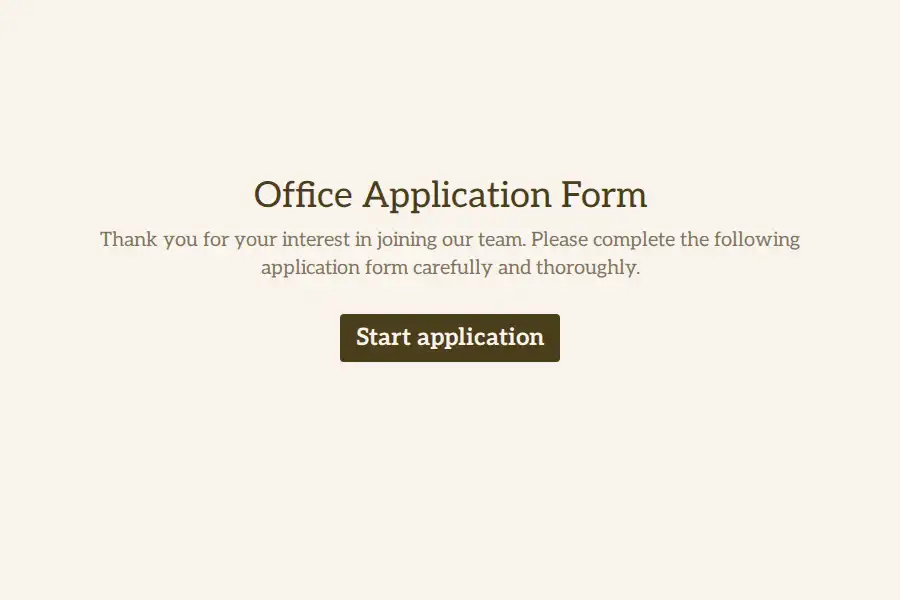


Hiring the People Who Keep the Office Running
Administrative hires are assessed on qualities resumes describe badly. Calendar management, supplier wrangling, calm during a double-booking crisis — none of it appears as a job title, yet all of it decides whether the office runs. An intake built for admin roles asks about the actual work: the tools, the schedule, the chaos tolerance.
The Software Stack Question
Every office runs on its own stack, and fluency in it is the job. A multiple choice question covering the tools your office actually uses — calendars, spreadsheets, document systems, the CRM or booking platform of the week — tells you in one answer who needs training and who could train you. Where depth matters, a rating question on the two or three critical tools separates ‘opened it once’ from ‘runs the payroll in it’.
Scheduling Reality, Stated Early
Administrative roles live and die on coverage, so the form should capture it plainly: a yes/no pair on early openings and occasional weekend cover, a dropdown for contract type — full-time, part-time, temp-to-perm — and a date field for when they could begin. Discovered during onboarding, a scheduling mismatch unravels a hire; discovered on the form, it is just a filter.
The Organization Probe
The heart of the intake: one long text field — describe a time the office descended into chaos and what you did about it. Resumes list duties; answers to this question demonstrate judgment, initiative, and composure in the exact currency the role trades in. Hiring managers consistently report it as the most predictive field on the form.
The Record and the Details
A file upload carries the resume for the file, the contact block anchors communication, and a notice-period question prevents offers built on start dates that were never real. More role-specific intakes sit in the job-application collection and the human-resources category.
Frequently Asked Questions
Which software skills should we actually screen for?
Whatever the office genuinely runs on — list your real stack, not an industry fantasy. The right question is ‘can you run our systems’, not ‘have you heard of software’.
How do we ask about on-site expectations without discouraging applicants?
State them plainly. A clear yes/no on days in the office respects everyone’s time — the applicants it discourages were misfits being delayed, not avoided.
Can the form test skills before an interview?
Lightly, yes: link a small task from the thank-you screen for shortlisted candidates. Keep it under fifteen minutes — admin candidates are usually screening your process too.
Do temp and permanent applicants need different forms?
A contract-type dropdown in one form handles it — the screening core is identical; only expectations differ.