
Interview Schedule Form Template
Scheduling interviews can easily turn into a time-consuming administrative task. When recruiters coordinate availability across multiple internal calendars, sending dates back and forth via email often leads to scheduling delays, missed windows, and a poor candidate experience. Utilizing a structured interview scheduling form simplifies the coordination process into a single, straightforward step.
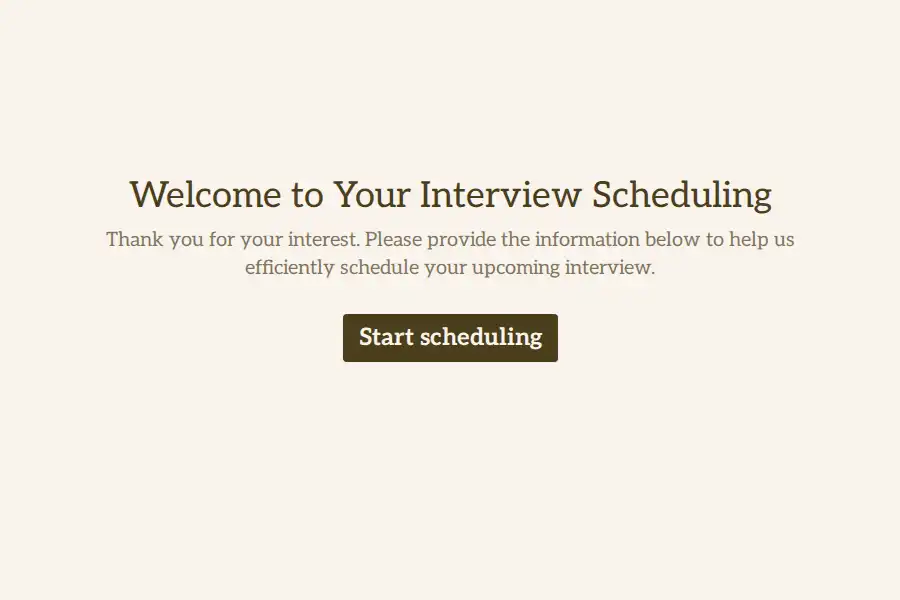
This interview schedule form template lets candidates submit their details, confirm which role they are interviewing for, share their time zone, and select their preferred interview slots and formats. This ensures your recruiting team has all the necessary information to book the interview immediately.
Key Information Gathered for Seamless Scheduling
To ensure your coordination team can confirm the calendar invite on the first attempt, the form collects:
- Candidate Context: Standard contact info along with the target role, department, and current time zone.
- Availability Windows: Captures the days of the week, times of day, and specific calendar dates that fit the candidate’s schedule.
- Format Preferences: Let’s candidates select their preferred interview format (e.g., video, phone, or in person) so your team can set up the correct meeting details.
- Logistical Context: Provides a narrative area for candidates to share any additional details about their availability or details that would help the team prepare.
Key Benefits of a Standardized Scheduling Form
- Improved Candidate Experience: Candidates appreciate a straightforward, self-service way to share their availability without waiting on multiple follow-up emails.
- Increased Recruiting Efficiency: Recruiters save hours of administrative labor weekly, allowing them to focus on evaluations and talent sourcing.
- Reduced Scheduling Mistakes: Gathering time zone information explicitly helps prevent scheduling errors across different regions.
Tips for Managing Your Interview Pipeline
- Keep Available Slots Updated: Make sure the date and time ranges you present on the form reflect when your hiring panels are actually available.
- Integrate With Scheduling Tools: Connect your form tool with your calendar system or applicant tracking system (ATS) to automatically sync schedules and confirm dates quickly.
- Provide Clear Instructions: Tell candidates what to expect during the interview stage, such as the estimated duration of the session and who they will be meeting with.
Frequently Asked Questions
What is an interview schedule form?
An interview schedule form is a digital questionnaire used by recruiting teams to collect availability, preferred dates, time zones, and meeting formats from job candidates. It helps streamline the scheduling process and reduces manual coordination.
How does this form prevent time zone mistakes?
The form includes a specific short text field for the candidate’s current location or time zone, ensuring that recruiters can accurately convert availability times to match the interviewer’s calendar.
Can candidates select their preferred interview format?
Yes. The template includes a multiple-choice question where candidates can indicate if they prefer a video call, phone call, or in-person meeting, allowing you to prepare the appropriate setup.
How do we connect this form to our applicant tracking system?
Most modern form builders allow you to connect form submissions directly to your Applicant Tracking System (ATS) or HR database through direct integrations, keeping all candidate records in a single location.
Can this template be customized for different hiring stages?
Yes. You can customize the form to reflect the specific requirements of different recruitment stages, such as an initial HR phone screen, a technical assessment, or a final panel presentation.