
The Cookie Season Paper-Slip Problem
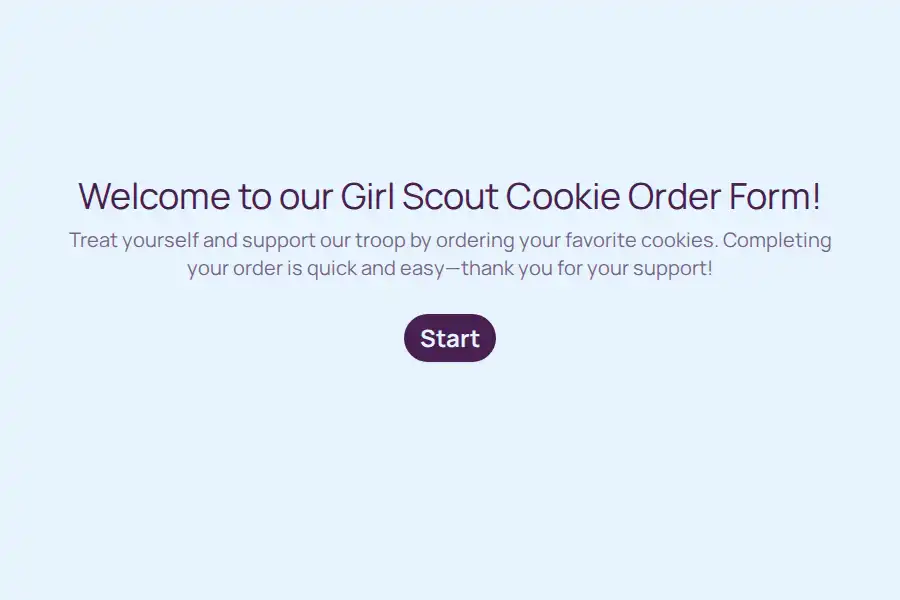
Every seller knows the routine: a stack of paper order slips in a backpack, cryptic handwriting, and a parent doing math at the kitchen table at 10 p.m. This Girl Scout cookie form template replaces that stack with a single link. One scout, one page, every order captured digitally with flavors, box counts, and delivery details already organized.
Setup takes about ten minutes. After that, selling becomes a sharing job instead of a paperwork job — and every customer gets a polished, mobile-friendly ordering experience that looks great on the phone in their hand.
How the Order Card Is Structured
The questions follow the way people actually buy cookies — quick, visual, and with as little typing as possible:
- Flavor picks as photos. A picture choice question displays each variety as an image, so customers recognize their favorites on sight instead of squinting at a text list.
- Boxes per flavor. Simple number fields sit beside each selection, keeping quantities clean and totals error-free.
- Who’s buying. A contact info block collects the customer’s name, email, and phone number in one smooth step.
- Drop-off preference. A yes/no question instantly splits buyers into delivery and pickup groups.
- The delivery quirks. A long text field catches the details maps never know — the hidden side gate, the leave it with the neighbor note, the missing apartment number.
Mark the flavor and quantity questions as required and leave the rest optional, so placing an order takes under a minute.
Small Details That Move More Boxes
A little personality sells. Recall information lets the form greet repeat buyers by name — Welcome back, Ms. Alvarez! — which turns a transaction into a relationship. A visible progress bar reassures customers the whole thing takes seconds.
Looks matter at impulse-buy prices, too. Drop in cheerful photos with images and GIFs, match the colors to the season in the form customizer, and take a quick preview spin before the link goes out.
One Link, Every Channel
The order card travels anywhere a link can. Copy your shareable form URL into a school newsletter, a neighborhood app post, or the family group text. For the fastest route to buyers, share it on WhatsApp — and with WhatsApp forwarding, new orders can ping the family chat the moment they land. The free WhatsApp link generator creates a click-to-order message customers can tap without typing a thing.
Looking for more seller-style formats? The order form templates collection covers everything from bakery pre-orders to farm stands, and the broader forms category holds the full library.
What Happens After Someone Orders
Each buyer lands on a custom thank-you page you can write yourself — delivery windows, payment reminders, a personal thank-you from the scout. With respondent email notifications, customers automatically receive a written record of exactly what they ordered. On your side, every submission stacks up neatly in the responses dashboard, ready to sort by flavor, date, or neighborhood when delivery day arrives.
Frequently Asked Questions
What exactly is a Girl Scout cookie form?
It’s a shareable digital order card for a single seller. Customers open the link, tap their flavors, enter box counts and contact details, and submit — no paper slips, no texting photos of handwritten orders back and forth.
Do I need a separate link for each customer?
No. One link serves unlimited customers. Each person who opens it starts a fresh order, and every submission files itself separately in your results.
Can my whole troop use the same link?
You could, but orders would blur together and individual sales credit would get messy. For troop-wide coordination — tallying cases, attributing sellers, planning routes — a troop-level order tracking setup is the better fit.
Will it work on customers' phones?
That’s where most cookie orders happen. The form is built mobile-first, so the entire flow — flavor photos, quantities, confirmation — works with one thumb straight from a text message.
How do buyers know their order went through?
They see a confirmation screen the instant they submit, and you can follow up with an automatic email summary of their selections so nothing gets disputed later.