
Custom Order Form Template
Accepting customized product requests over email or messaging apps often results in miscommunication. Missing dimensions, vague design requests, and missing quantity counts force your team into endless follow-up cycles, pushing back production schedules and eating into profit margins.
A structured custom order form organizes buyer expectations from the first click. This template guides customers through the essential specifications, ensuring your team has every parameter required to build a detailed quote and kickstart production.
Organizing the Specifications Process
To ensure your production floor has actionable parameters, the template focuses on capturing precise technical details:
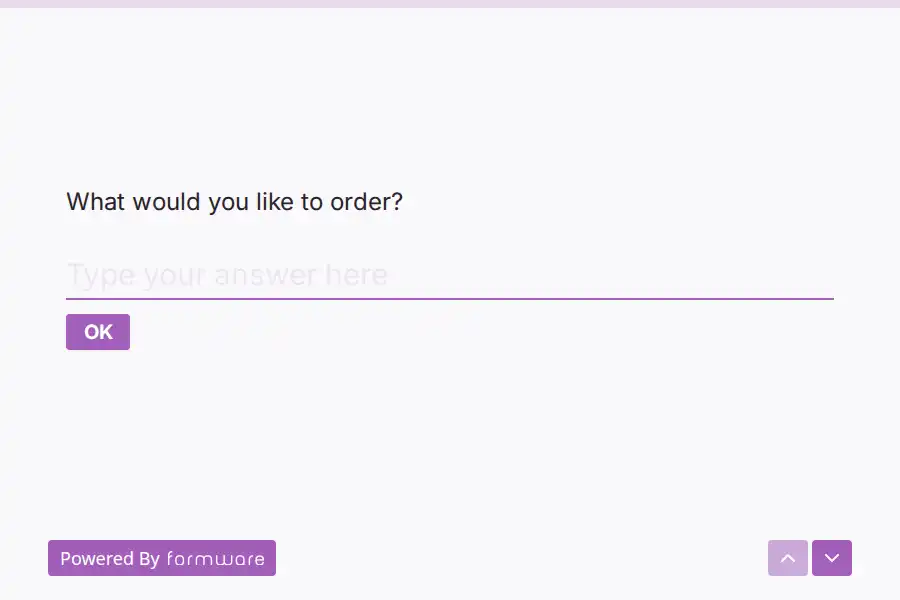
- Order Basics: Clarifies what the customer wishes to order and details the exact number of units required.
- Scheduling & Logistics: Collects critical delivery deadlines, contact emails, phone lines, and physical shipping addresses.
- Special Work Instructions: Provides a spacious text area for complex customization notes, design files, or specific material selections.
Improving Quoting Efficiency
By capturing precise variables—like target quantities and structural instructions—you can eliminate back-and-forth guessing games. Connecting this form to a production queue or inventory database allows you to route incoming orders directly to designers or estimators, reducing the time it takes to get a formal quote back to the customer.
Guiding Customers Through Customization
To help customers communicate their requirements, you can customize this form to display sample measurements or material suggestions directly within the instructions. Clear instructional text prevents unrealistic requests and keeps your intake workflow running predictably.
Frequently Asked Questions
What is a custom order form?
A custom order form is a specialty intake document designed to collect specific design criteria, quantities, and timelines for products built or assembled to order. It acts as the blueprint for creating quotes and planning production runs.
Why is a form better than email for custom requests?
Emails are unstructured, leaving customers to guess what parameters you need to design their products. A form requires vital inputs like quantities, delivery deadlines, and specific dimensions upfront, cutting down on administrative backlog.
How do I manage pricing estimates through this form?
While the form does not directly process payments, it acts as the intake step. Once a customer submits their custom request, your team can review the specifications and send an accurate price estimate via email or your ERP platform.
Can customers attach drawings or reference files to their order?
Yes. You can add a file upload question to the form if you need customers to submit CAD designs, logo images, or hand-drawn sketches to clarify their custom requests.