
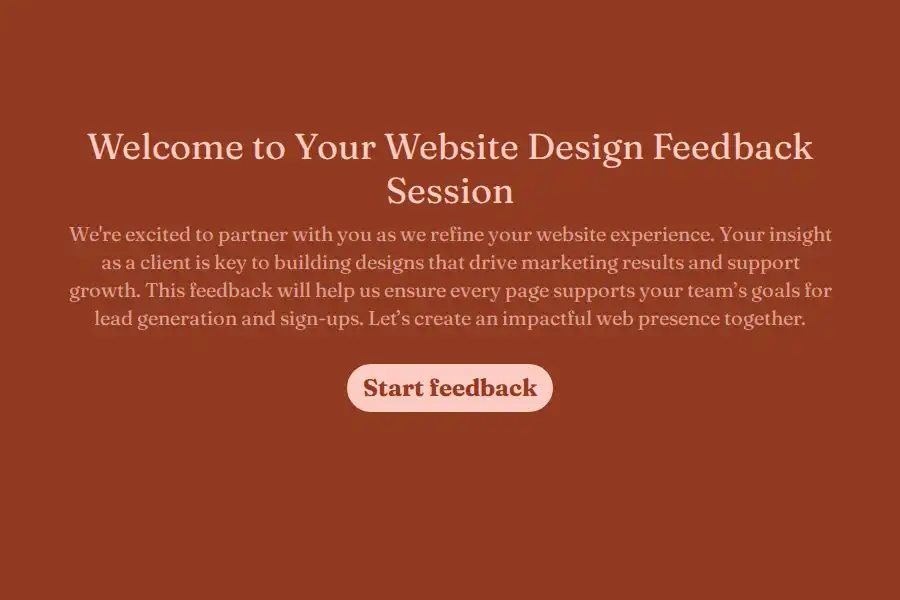


Client Website Design Feedback Form Template
Gathering website design feedback via long email threads often leads to miscommunications. Clients might struggle to articulate which page or design element they are referring to, resulting in unnecessary revisions. This feedback form organizes review rounds so design teams receive concrete, actionable requests.
Gathering Performance and Conversational Feedback
Instead of asking general questions that yield vague answers, this form guides clients through structured evaluations:
- Overall Impressions: Uses rating and opinion scales to let clients score the layout and determine if the design aligns with conversion goals.
- Specific Element Audits: Prompts clients to identify areas that need attention, including layout structures, typography, color palettes, and imagery.
- Actionable Revisions: Ask the reviewer to list specific changes in detail, helping your developers and designers understand what needs modification.
Navigating Calls-to-Action and Layout Clarity
Ensuring that key call-to-action (CTA) buttons are highly visible is a primary focus of web design. The form features a dedicated yes/no query checking if the layout successfully highlights the CTA, helping you align design choices with business goals early in the review cycle.
Facilitating Visual Asset Uploads
When a client points out an error or layout glitch, a visual reference is incredibly useful. This template includes a file upload section where users can submit annotated screenshots or design notes, matching visual issues with written explanations.
Frequently Asked Questions
What is a client website design feedback form?
It is a structured intake form used by web designers and agencies to collect constructive, organized feedback from clients regarding page layouts, branding, and usability.
Can clients attach annotated mockups to this form?
Yes. The built-in file upload field allows clients to submit screenshots, mockups, or documents directly with their feedback.
How does the form assess if the design helps conversion goals?
It uses an opinion scale to capture how well the user believes the design supports lead generation and sign-ups, prompting them to think about business objectives rather than just visual preferences.
How can we use this form for multi-page website projects?
Clients can specify which page or screen they are reviewing in a dedicated text field, allowing you to easily sort feedback for different parts of a website.