
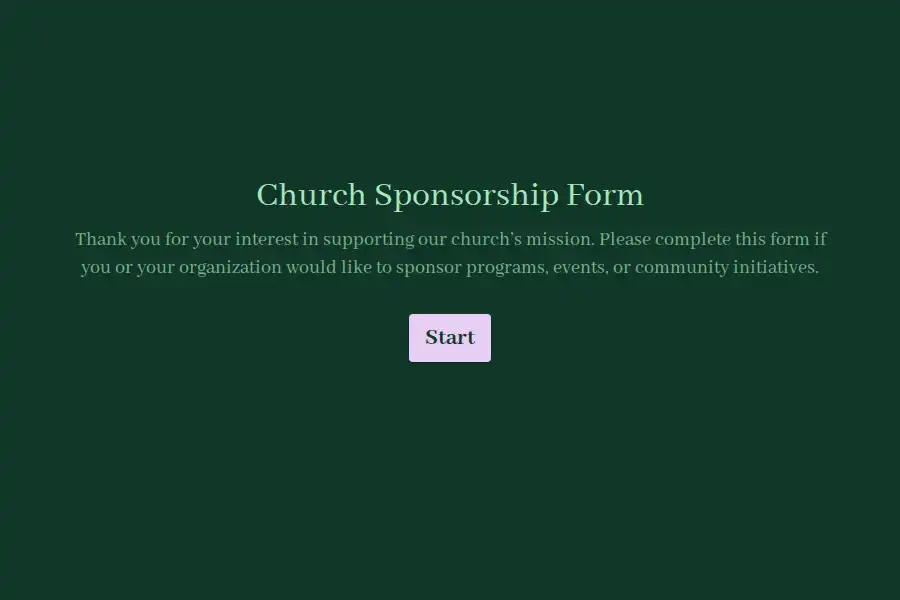


Church Sponsorship Form Template
Every sponsorship campaign ends the same way: enthusiasm on commitment Sunday, uncertainty by the finance meeting. One sponsor pledged to the missions fund in the parking lot. Another wrote a figure on the back of a bulletin. A local business emailed the office about the youth camp. When the campaign closes, the team reconciles memory against paper scraps — and the budget for the trip, the building project, or the food pantry rests on numbers nobody can fully verify. This form replaces the scatter with a registry: every sponsor completes the same structured intake, every commitment lands in one place, and every designated program carries an auditable record of who pledged what, at which level, beginning when.
The Pledge Record, Field by Field
- The sponsor. Individual or organization — the form captures both, since a family pledge and a corporate partnership need different follow-up. Names, organization affiliation, email, phone, and location, collected through a structured contact section.
- The designation. Which program the sponsorship supports — youth ministry, missions, the food pantry, the building fund — selected from a dropdown you edit per campaign. Designation recorded at pledge time is what lets your finance team honor restricted giving without a single follow-up call.
- The tier. Bronze to platinum, one-time to monthly, whatever structure your campaign uses — captured as a multiple-choice question so levels are comparable across every submission.
- The start. When the commitment begins, entered as a date — the detail that turns a wish into a budget line.
- The impact note. An open prompt asking what the sponsor hopes their giving accomplishes. This single answer transforms stewardship: the acknowledgment letter that quotes a sponsor’s own words back to them builds a relationship a generic receipt never will.
Configuring It for the Current Campaign
Sponsorship programs change with the calendar — camp season, mission trips, holiday outreach, the annual appeal. Update the designation and tier lists to match what’s live, and duplicate the form per campaign by copying it rather than rebuilding — prior campaigns stay intact for year-over-year comparison. If sponsors give toward specific dollar milestones, a numeric field for intended contribution amount keeps the registry quantified from day one.
After Submission: Confirm, Route, Report
Stewardship lives in the follow-through. Every sponsor receives an automatic confirmation email summarizing their pledge and stating what happens next — a receipt that doubles as a commitment record. Your team gets instant notifications as pledges arrive, so a major commitment is acknowledged personally within hours, not weeks. At campaign close, filter the response records by designation or tier to produce the numbers your budget meeting actually needs.
For adjacent giving instruments, browse the sponsorship template collection, the donation forms library, and the wider nonprofit sub-category.
Frequently Asked Questions
Should the form collect the payment itself, or just the pledge?
Just the pledge, in most campaigns — and that’s a feature. Commitment-first intake lets sponsors pledge a level they’ll fulfill through their preferred channel (bank transfer, offering envelope, church giving portal), which keeps your registry clean without forcing card details through a form. Some ministries add payment for one-time sponsorship packages; recurring pledges nearly always work better recorded here and fulfilled separately.
Can one sponsor support multiple programs in a single submission?
Yes — make the designation question multi-select, or keep it single-select and let major sponsors submit once per designation. The second approach sounds clunky but produces cleaner per-program records, which is what restricted-fund accounting and year-end reporting actually require.
How do we handle sponsors who pledge but never begin giving?
The start date and contact details make follow-up systematic rather than awkward. Filter for commitments whose start dates have passed with no matching giving, and route them to whoever owns sponsor relationships. Most non-starters are oversights, not retreats — a warm check-in referencing their designated program converts a large share of them.
Can businesses and organizations use the same form as individuals?
One form covers both when it asks sponsor type explicitly. The difference shows up in follow-up: corporate sponsors typically want an acknowledgment letter on letterhead, a tax receipt addressed to the entity, and sometimes logo placement at events. Capture the organization name and a contact person separately, and your admin team can tailor recognition without asking twice.