


The Waiting List Is Full. Now the Real Work Starts.
A place opens up, a family comes off the waitlist, and the scramble begins: enrollment papers printed, the handbook photocopied, the fee schedule explained by phone twice, and a start date that keeps slipping while everyone waits for the paperwork to come back. Meanwhile another family on the list grows impatient, and the director spends evenings being an administrator instead of running a center.
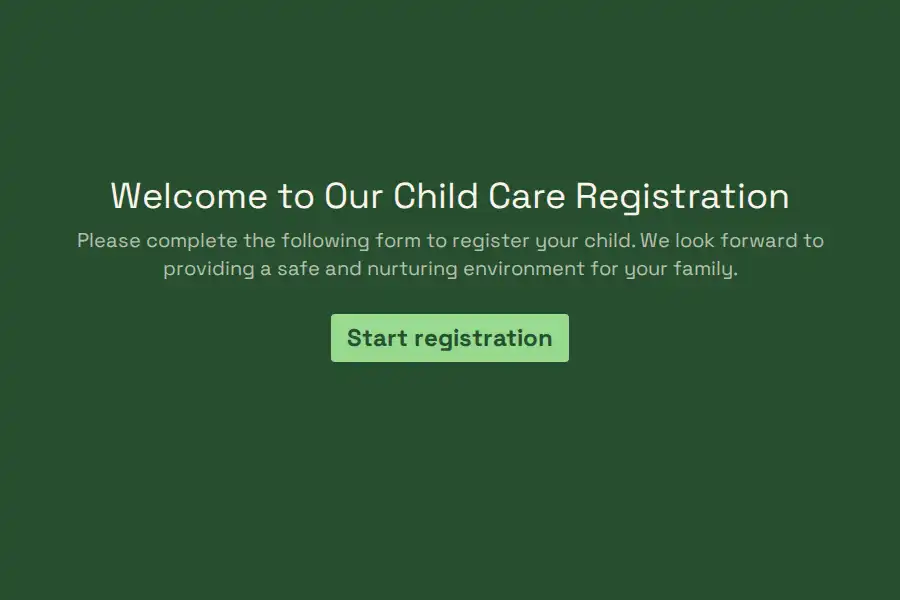
This child care registration form template turns enrollment into a process that finishes itself: the family completes everything online before the first morning — placement, schedule, billing, immunizations, the signed handbook — and the child arrives to a room that’s expecting them, not a clipboard.
Placement, Settled Upfront
Every center organizes by age and stage, so the form asks what the room assignment depends on: the child’s full name and date of birth, which determines the room — and then the program itself as a dropdown matching your actual groups: infants, toddlers, preschool, pre-K. Where your rooms run waitlists separately, this answer is what tells the office which list a family joins and which room gets the heads-up that a new child is coming.
The Schedule That Drives Your Roster
Staffing is arithmetic, and the schedule section is the input: days per week as a multiple choice — two, three, or five days — plus full days or half days, and the intended start date as a date field. Families see availability honestly; the office sees the ratio math update itself. When a room reaches capacity, close the form or swap in a waitlist version — the honest ‘we’re full’ that no parent resents, because it prevented a promise nobody could keep.
Billing, Set Up Once
Tuition conversations go better in writing and in advance. The form captures the billing arrangement: who pays, the billing cycle — weekly, monthly, per term — the preferred payment method, and any sibling discounts that apply. Whatever your fee structure, it’s acknowledged here, which removes the month-three conversation about what was agreed and turns payment questions into references to a document both sides signed.
The Paperwork Stack, Attached Not Chased
Enrollment means documents, and the form takes them where they belong: immunization records uploaded through a file upload field — most parents have them photographed already — along with any medical action plans the room needs to know about. The legal field closes the stack with the acknowledgments your center requires: the parent handbook, the illness and exclusion policy, the late-pickup fee, the media permissions handled separately if you prefer. Signed once, on file, referenced ever after.
Built for How Centers Actually Run
Enrollment arrives when it arrives — evenings, weekends, naptime — so partial submissions hold a half-finished registration while a parent finds the immunization photo, and a progress bar shows the whole thing is genuinely short. Tag each enrollment link with hidden fields — waitlist source, referral, open house — and your enrollment funnel becomes visible: which channels fill rooms. The response view becomes the enrollment book: filter by room, by start month, by outstanding paperwork, and the director’s Monday looks very different. Where a co-director or office admin shares the load, workspace roles keep the queue shared and the records safe. Each new term or school year, duplicate the form and update the dates. Enrollment and intake sit beside the enrollment templates collection and the registration library.
Frequently Asked Questions
When should families complete registration?
At least a week before the start date, ideally at acceptance. The form exists to be completed calmly at home — the family’s kitchen table beats your lobby, and the room gets a week’s notice instead of a morning’s.
Can one registration cover siblings?
Each child needs their own registration — placement, schedule, and records are per child — but the parent, billing, and contact details repeat quickly, and nothing prevents a parent from completing two registrations in ten minutes. Keep the records separate; your roster depends on it.
What if a family isn't sure of their start date yet?
Ask for the intended month and refine later, or run a waitlist variant of the form that collects interest without a firm date. Converting a waitlist entry to a registration should be easy — duplicating the form and resending takes a minute.
How do we handle mid-year enrollment?
The same form works year-round — the start-date field is what adapts. Keep the form permanently live and manage capacity by closing it when rooms fill; enrollment then matches your actual vacancies rather than your optimism.
What happens when details change mid-year?
Treat changes as events, not edits: a schedule change, a new pickup authorization, an updated phone number each deserves its own short submission so the record shows what changed and when. Registration is the foundation; updates are separate, dated layers on top.