
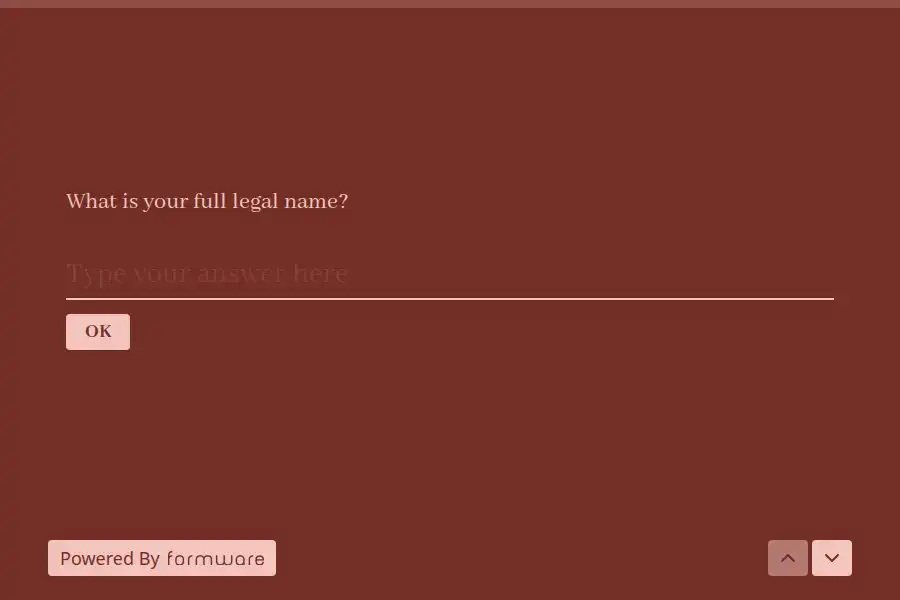


Account Opening Form Template
Financial onboarding carries obligations other industries never see: know-your-customer duties, sanctions screening, identity verification, source-of-funds questions. A signup form borrowed from an e-commerce playbook fails these immediately — not because it collects the wrong fields, but because it has no opinion about verification. This account opening form template is built for regulated onboarding: identity collected in a verifiable structure, documents attached at the right moment, and the compliance acknowledgments captured where auditors expect to find them.
Identity, Collected to Be Verified
KYC begins with the identity fields, and their structure determines whether verification is routine or painful:
- Full legal name exactly as it appears on identity documents — nicknames here create mismatches that stall verification for weeks.
- Date of birth and nationality, the fields screening systems match against.
- Residential address — complete, since regulated screening works on full addresses, and P.O. boxes generally don’t qualify.
- Government ID attached via file-upload — passport or national ID — with instructions stating image quality requirements, because unreadable documents are the top cause of verification back-and-forth.
Risk Questions and Source of Funds
Regulated onboarding scales its questions to the account’s risk, and the form carries the standard layer: expected account activity, source of funds and wealth for higher-risk products, tax residency declarations for cross-border customers, and PEP (politically exposed person) self-declarations. Each of these is a legal acknowledgment or structured selection rather than free text — compliance systems consume structured answers, and free-text risk answers are what auditors flag first.
The Agreement Layer
Account opening carries its own signature stack: terms and conditions, fee schedules, privacy notices, and any product-specific disclosures. Each acknowledgment is captured individually with a timestamp, so the record shows exactly what was agreed and when — the detail that separates a compliant onboarding file from a collection of assertions. Where your verification process completes asynchronously, the post-submission experience should say so plainly: what happens next, how long verification takes, and what the customer should have ready. Customized confirmation emails set that expectation automatically, and the form’s introduction can state document requirements up front to prevent abandonment mid-flow.
Where This Fits the Onboarding Journey
For membership organizations, credit unions, brokerages, and fintechs, this form is the compliance gate inside a broader onboarding journey — the step that determines whether the relationship can exist at all. Adjacent onboarding and membership intake formats live in the membership and signup collections, with the wider journey mapped in the member-onboarding guide.
Frequently Asked Questions
Can this form replace our KYC verification provider?
No — it prepares and structures the KYC inputs: identity fields, documents, declarations. Automated verification, sanctions screening, and the final risk decision remain your compliance stack’s job. The form is the intake that feeds them cleanly.
How do we reduce abandonment on compliance-heavy forms?
State requirements before asking for them — what documents to have ready, how long the form takes, what happens after. Compliance friction is irreducible; surprise friction isn’t. Progress indication and one-topic-at-a-time presentation measurably help on long forms.
Should we collect tax residency even from domestic customers?
Follow your regulators’ guidance — cross-border reporting regimes often require residency declarations regardless of apparent domicile, and self-declarations are the standard evidence. When in doubt, collect the declaration; it’s one field against a reporting gap.
Who reviews the submitted identity documents?
Your compliance or onboarding operations team — people trained on document authenticity, not general staff. Route submissions directly to that queue with role-restricted access, since identity documents are among the most sensitive data you’ll ever hold.